
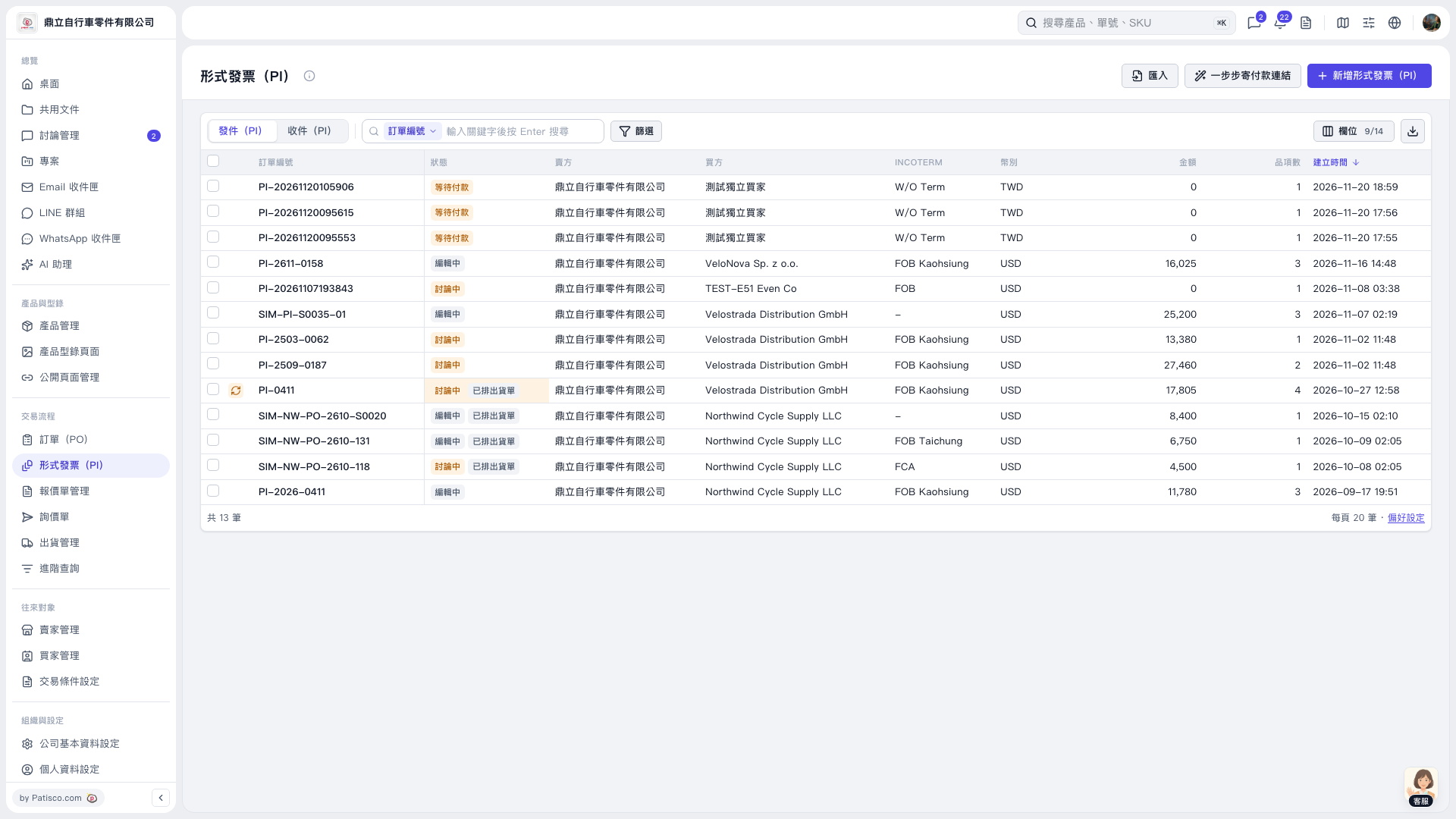
1. After the buyer checks out from the shopping cart, an original PI is created in your “Sent (PI)” list. 2. Open this PI. The details header will show [Awaiting payment], without [In discussion] or [Awaiting the other party’s reply]. 3. Return to the PI list. The STATUS column for this row will also show [Awaiting payment]. 4. After the buyer pays, the status will change to [Paid]. To ask the buyer to pay, you can also click “Send a payment link step by step” in the upper-right corner and follow the guidance to send a payment link.
 V5 新桌面版|形式發票(PI)