
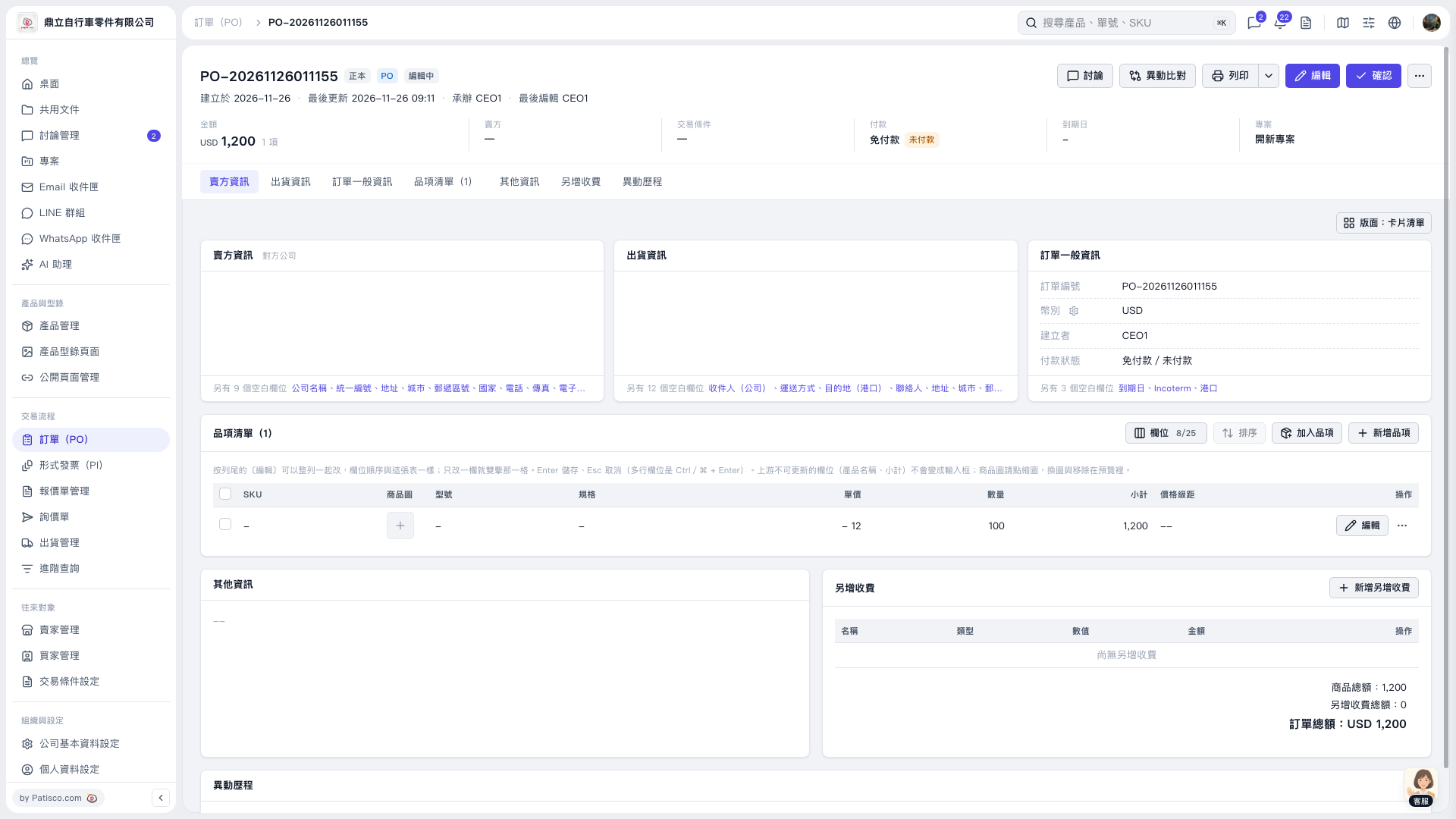
1. In the PO’s “Item List”, click “Edit” on the right side of the item. 2. Clear the unneeded “SKU”, “Model”, or “Specifications” fields, then save your changes. 3. While saving, the button displays “Saving…” and is temporarily disabled. Wait for saving to finish. 4. Open “Edit” for the item again to confirm that the cleared fields have remained blank.
 V5 新桌面版|PO-20261126011155