
1. Open the PO you want to print and check the “PO Number”, item quantities, and “PO Total”. 2. Click “Print” at the upper right. To view other printing options, click the dropdown arrow next to it. 3. Check the PO contents in the print preview, then follow the instructions on the print screen.
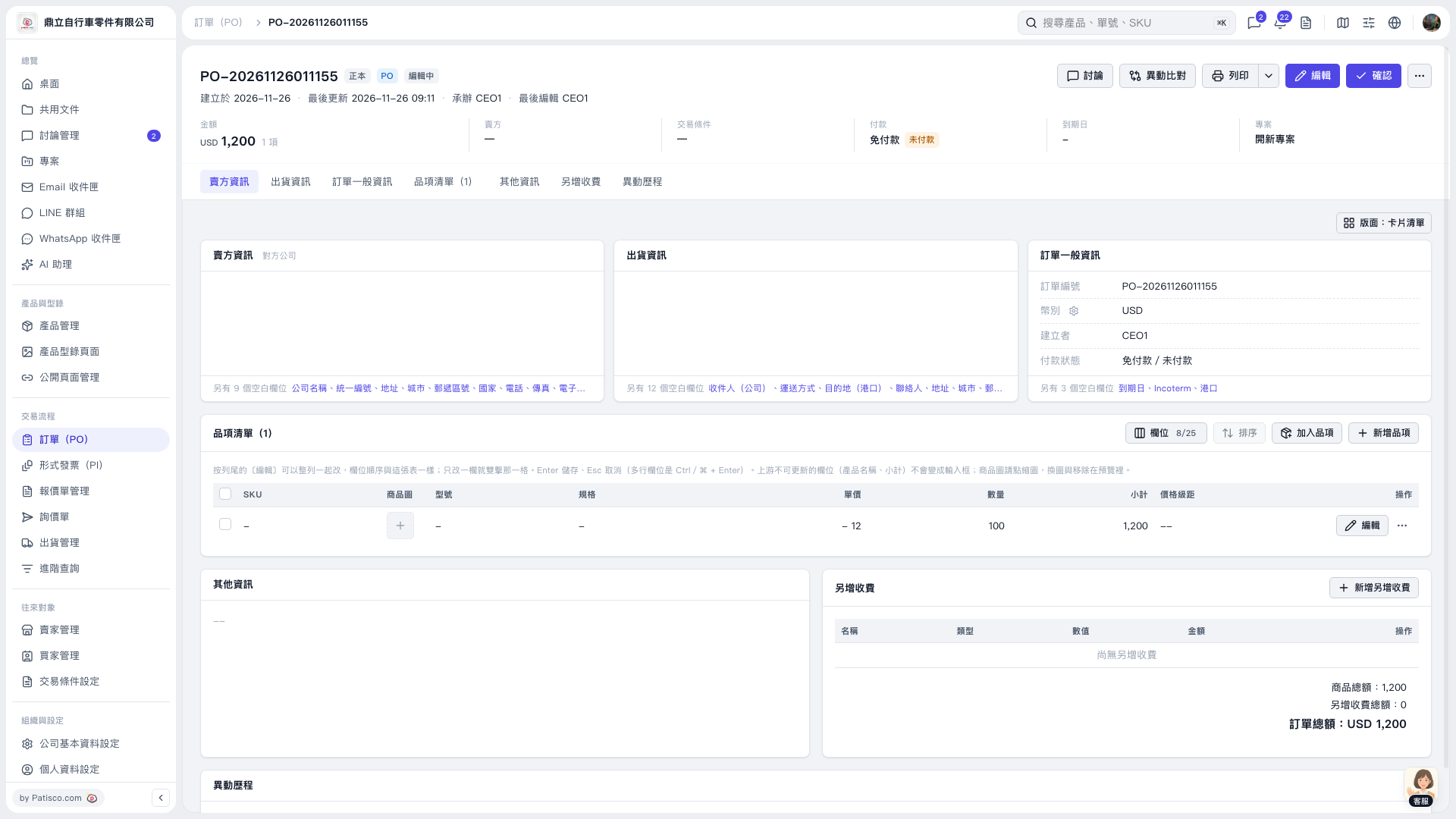 V5 新桌面版|PO-20261126011155