
1. Tap [Got it] to close the message and return to the login page. 2. Enter your user ID and password in the [User] and [Password] fields, then tap [Log in]. 3. After logging in, go to [Personal Profile Settings], find Passkey, and add one. Follow the system prompts to complete registration. 4. The next time you log in, tap [Log in with Touch ID / Face ID]. 5. A passkey added in [Personal Profile Settings] on either desktop or mobile can be used on both; you do not need to register it separately on each. Passkeys registered in the patisco.com backend, or passkeys that have been deleted, cannot be used to log in here.
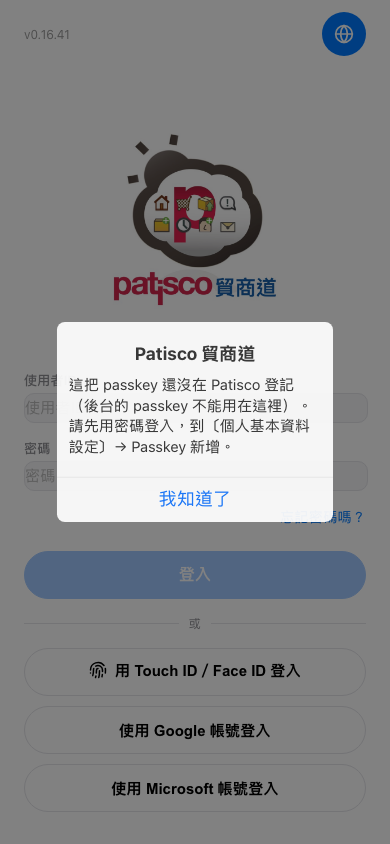 手機版|Patisco 貿商道登入