
1. In the "Registered Passkeys" section of the Passkey settings window, tap [⋮] to the right of the Passkey you want to delete, then tap [Delete] in red. 2. The confirmation window will list the Passkey to be deleted. Check it, then tap [Delete]. 3. After deletion succeeds, a message will confirm that the Passkey has been deleted. Other devices that logged in using this Passkey will also be logged out. 4. Tap [Done] in the upper-right corner to close the window.
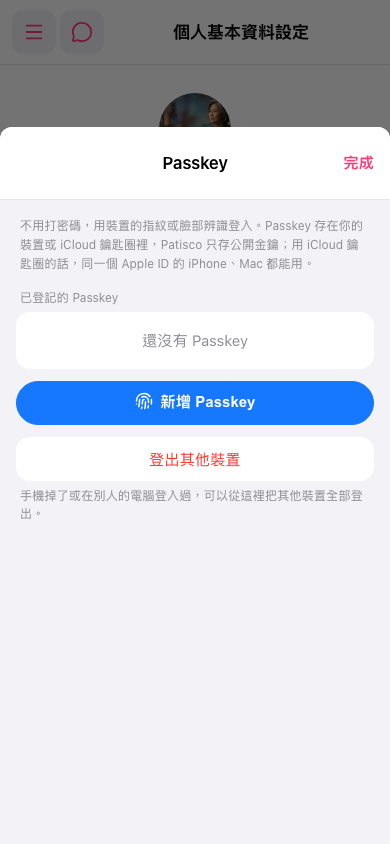 手機版|個人基本資料設定(Passkey)