
1. Open the “Product Catalog” page and look at the category filters on the left side of the content area. 2. Select conditions as needed, such as brand, public display requirements, sales method requirements, trade form requirements, system service method, or other services. 3. To limit the price range, enter “Minimum” and “Maximum” values in the price range section. 4. Click “Apply” below the price range. The list will update based on your conditions.
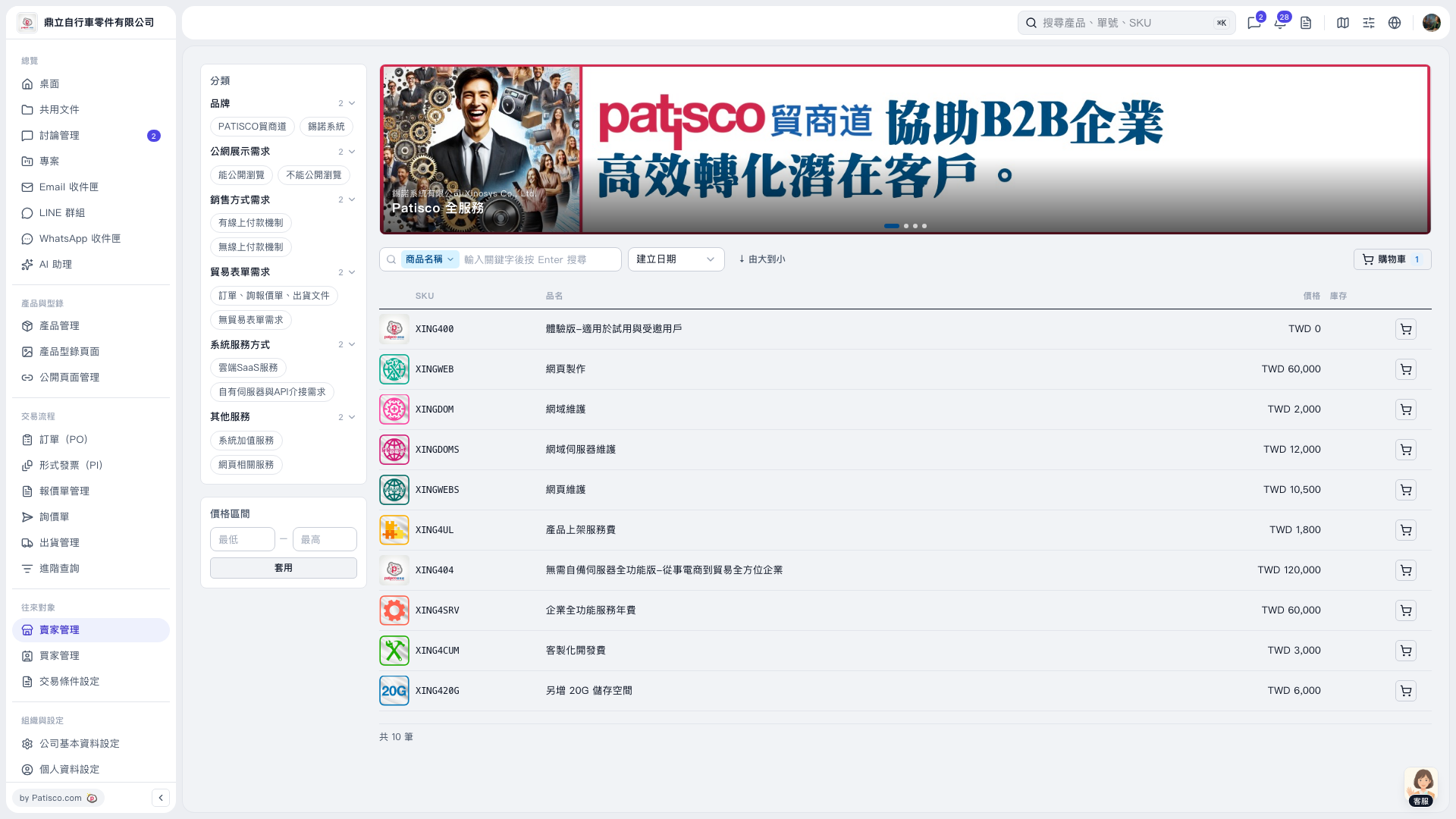 V5 新桌面版|產品型錄