
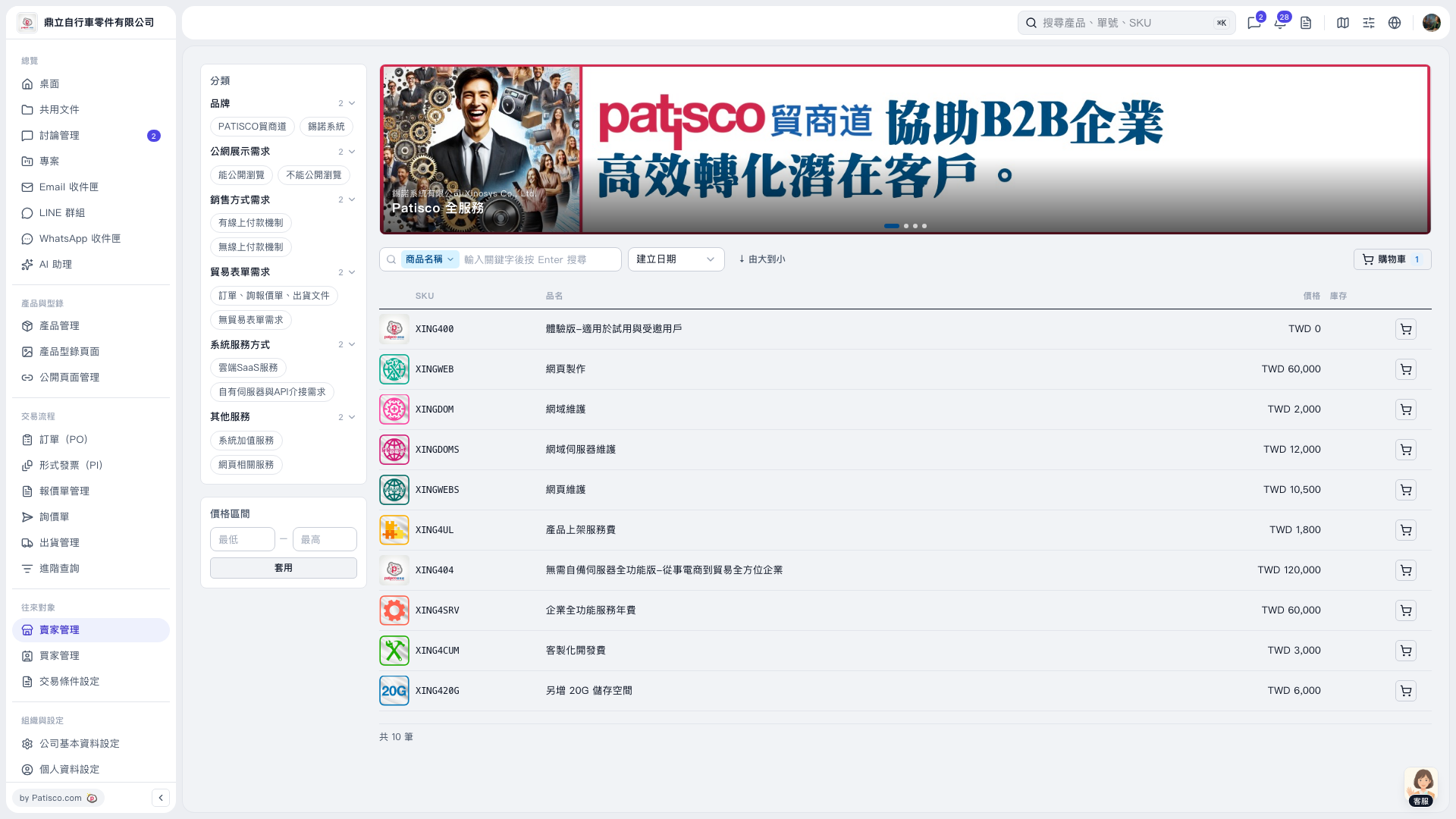
1. In the search box at the top left of the product list, first select a search field, such as “Product Name”. 2. Enter a keyword and press Enter to search. 3. To change the sort order, select a sort field to the right of the search box, such as “Creation Date”. 4. Then set the sort direction on the right, such as “Descending”. 5. The list displays SKU, product name, price, and stock. Use this information to identify the product.
 V5 新桌面版|產品型錄