
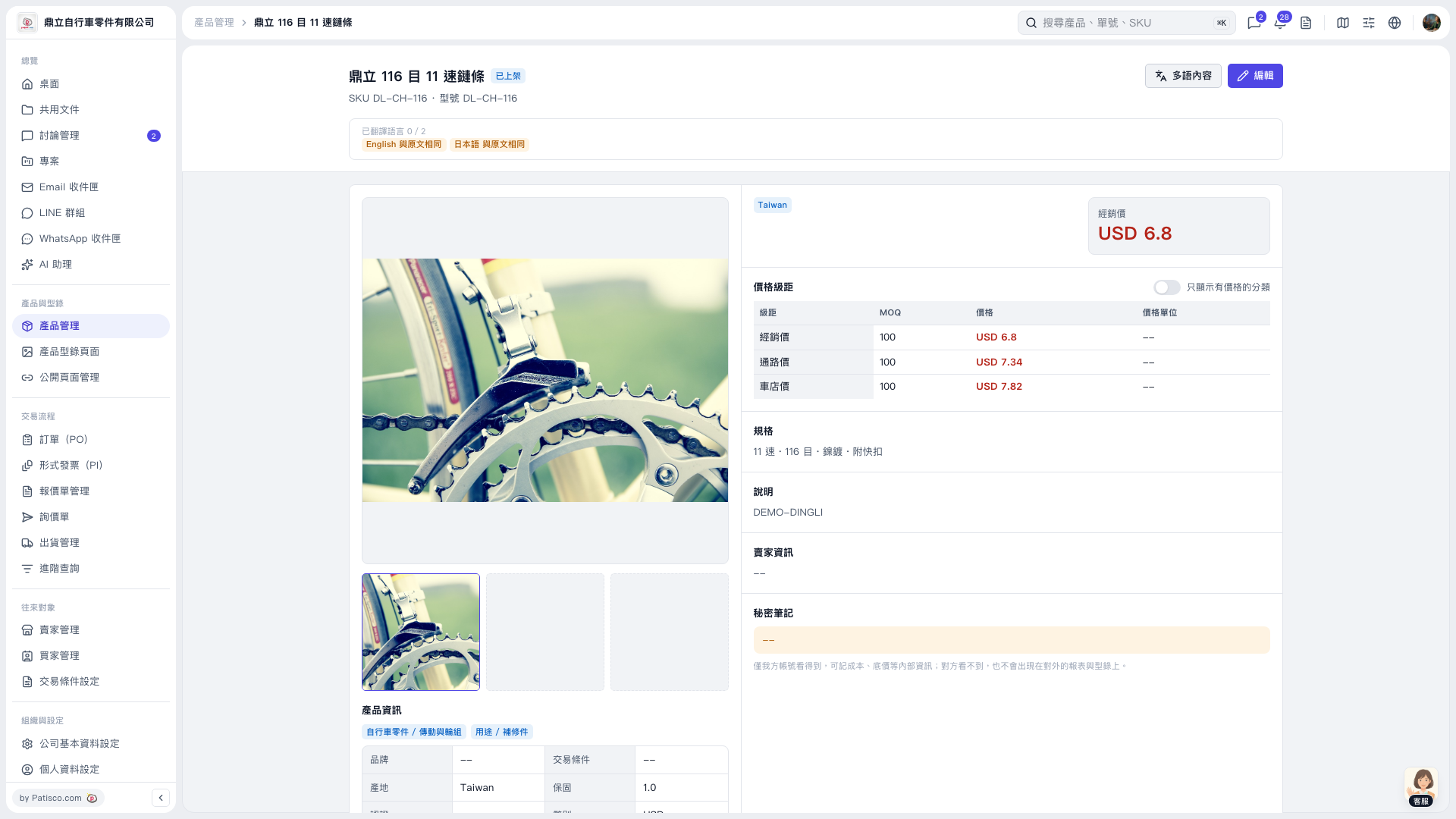
1. Open the product details page and look at the top right. 2. To change product information, click [Edit] to open the product editing screen. 3. To manage product content in other languages, click [Multilingual Content] to the left of [Edit]. 4. At the top right of the price tiers section, there is a [Show Only Categories with Prices] option. Turn it on to show only categories with prices set, making it easier to filter and review them.
 V5 新桌面版|鼎立 116 目 11 速鏈條