
1. Find the "Who is viewing your catalog" section on "Desktop". 2. Click "Products" at the top right of the section to switch to the product view. 3. Select "7 days", "30 days", or "90 days" to set the period to view. 4. Check product names, number of views, and shopping cart information in the "Interested" and "Viewing" categories. 5. To see detailed activity, click "Activity Log" on the right of the entry.
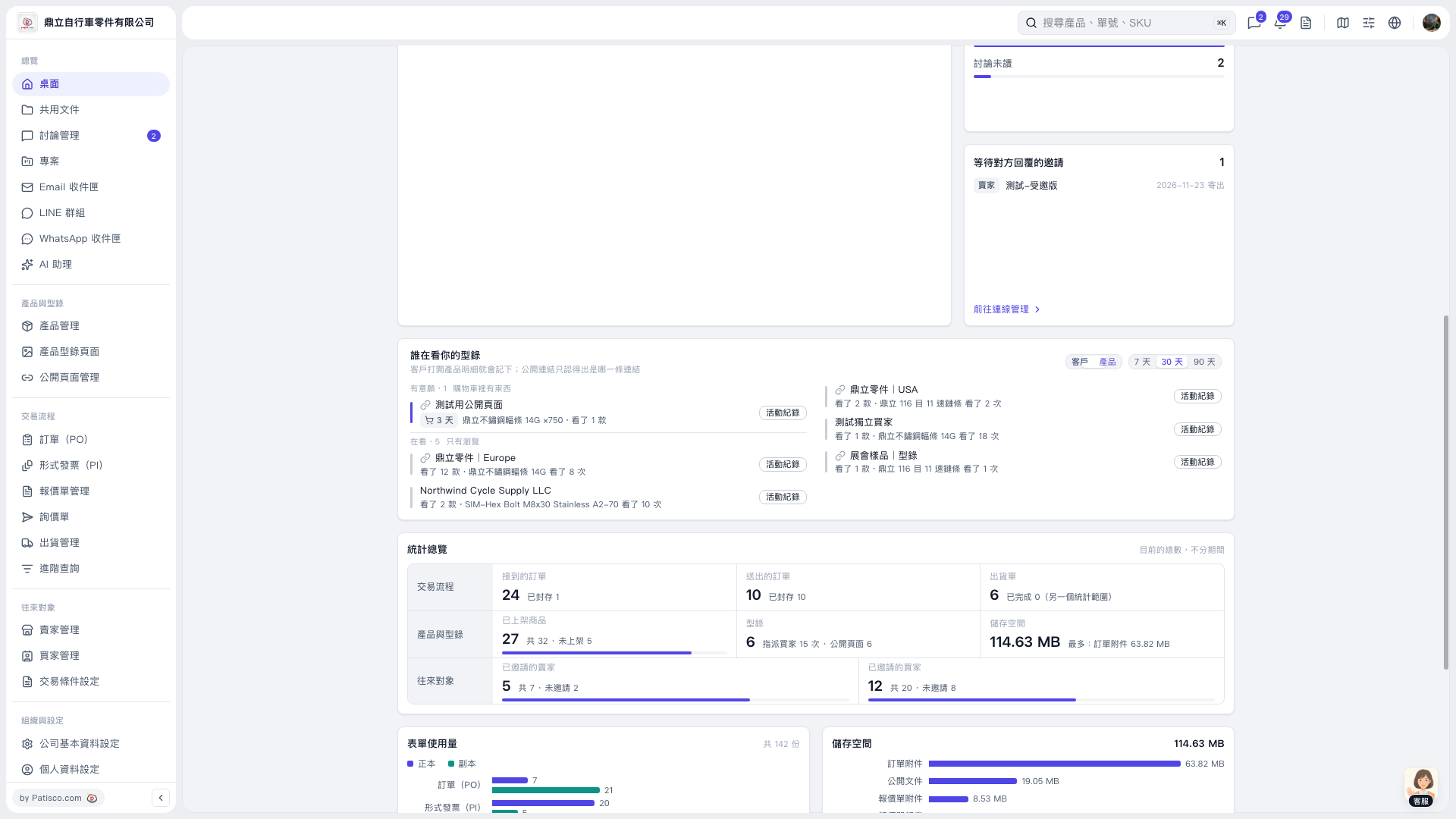 V5 新桌面版|桌面