
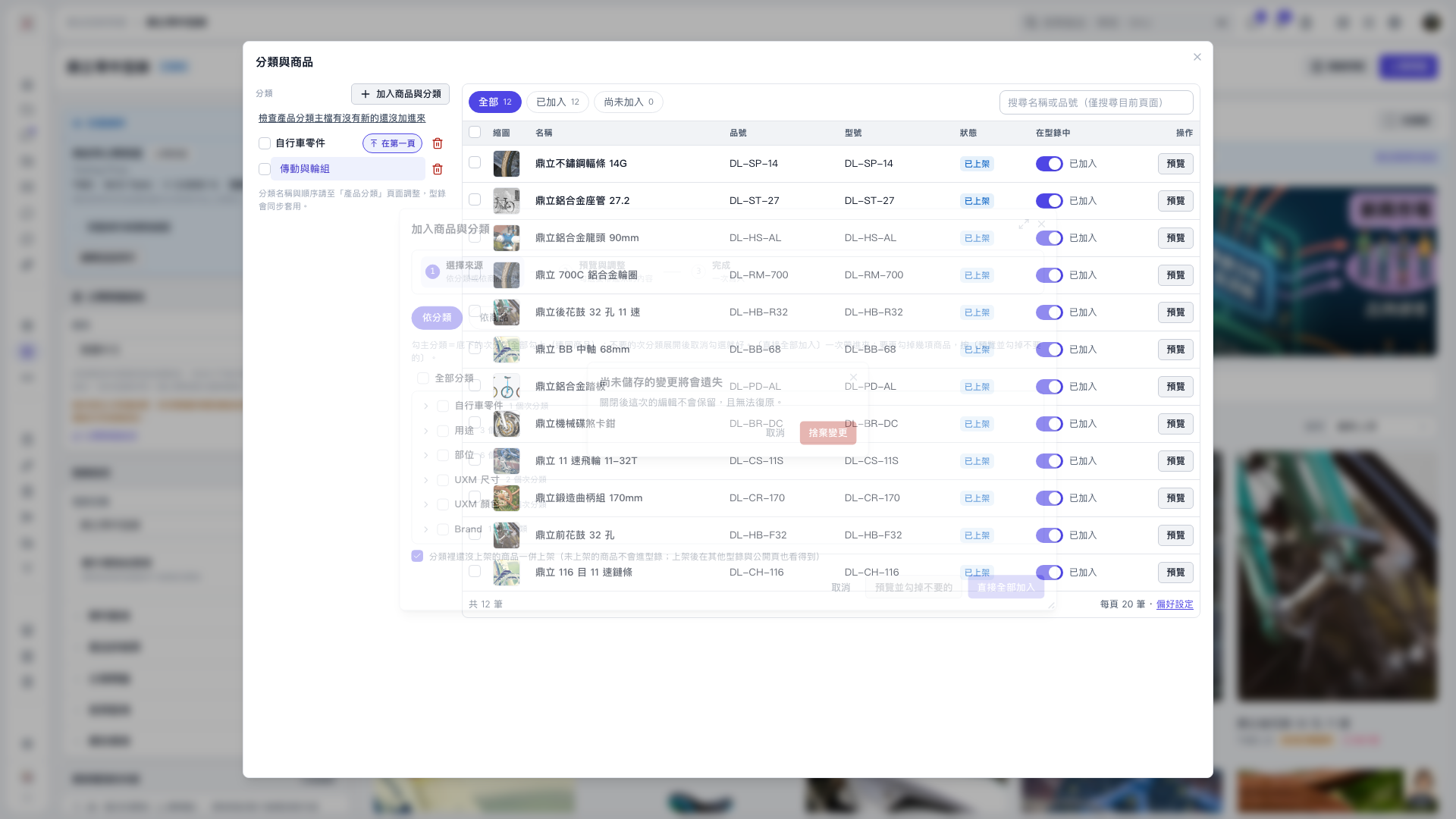
1. After selecting categories or products in [+ Add products and categories], click [Preview and deselect unwanted items]. 2. All categories and products in the preview list are selected by default. Deselect any items you do not want to add. 3. Review your selection, then click [Confirm addition] to add the selected items to the catalog. 4. If an unsaved changes confirmation dialog appears when closing the window, click [Cancel] to continue editing, or click [Discard changes] to discard your unsaved adjustments.
 V5 新桌面版|分類與商品