
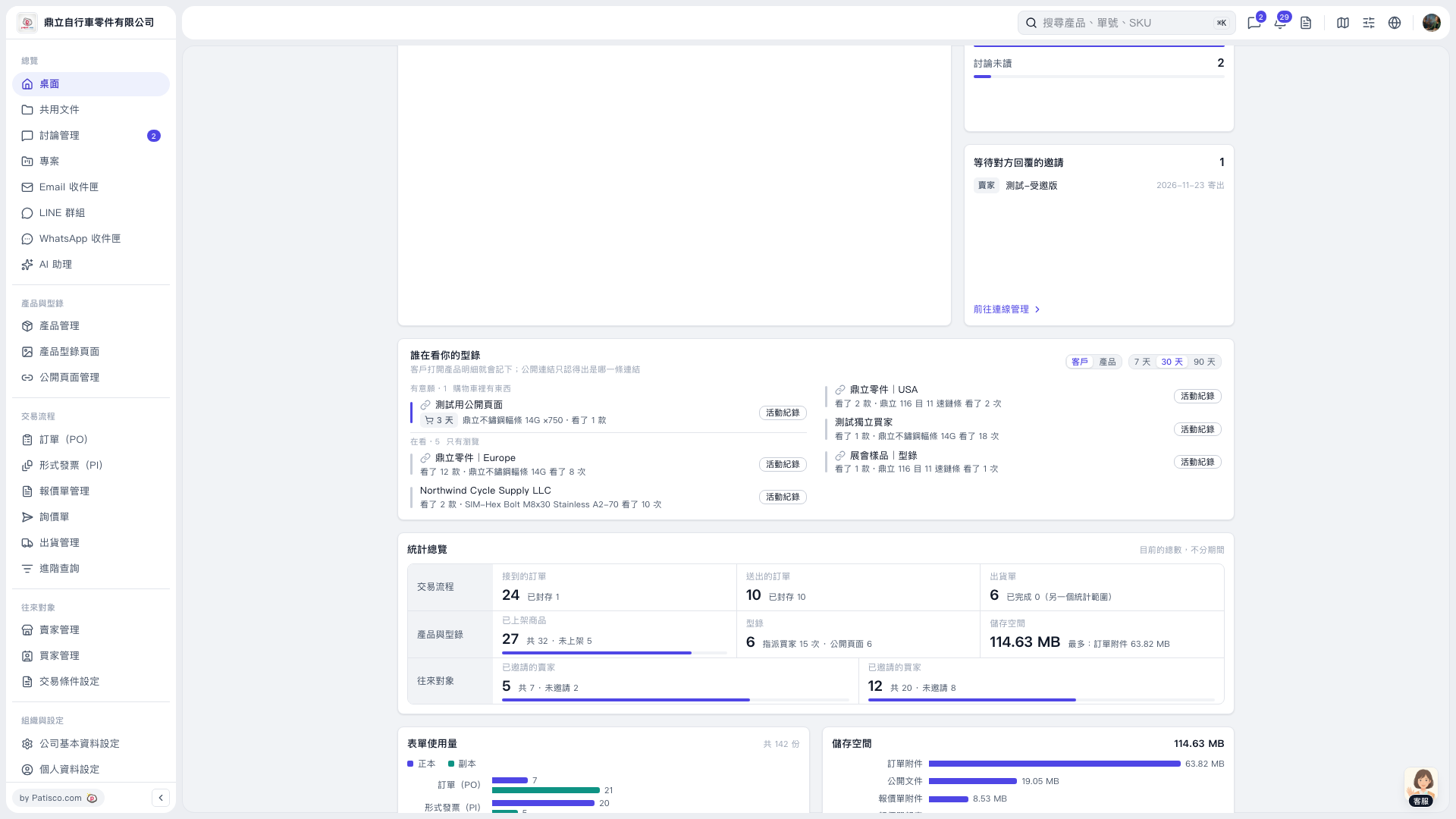
1. On “Desktop”, find the “Who is viewing your catalog” card. 2. Click “Products” in the upper-right corner of the card to switch to viewing by product. 3. Select “7 days”, “30 days”, or “90 days” to view product browsing information for the selected period.
 V5 新桌面版|桌面