
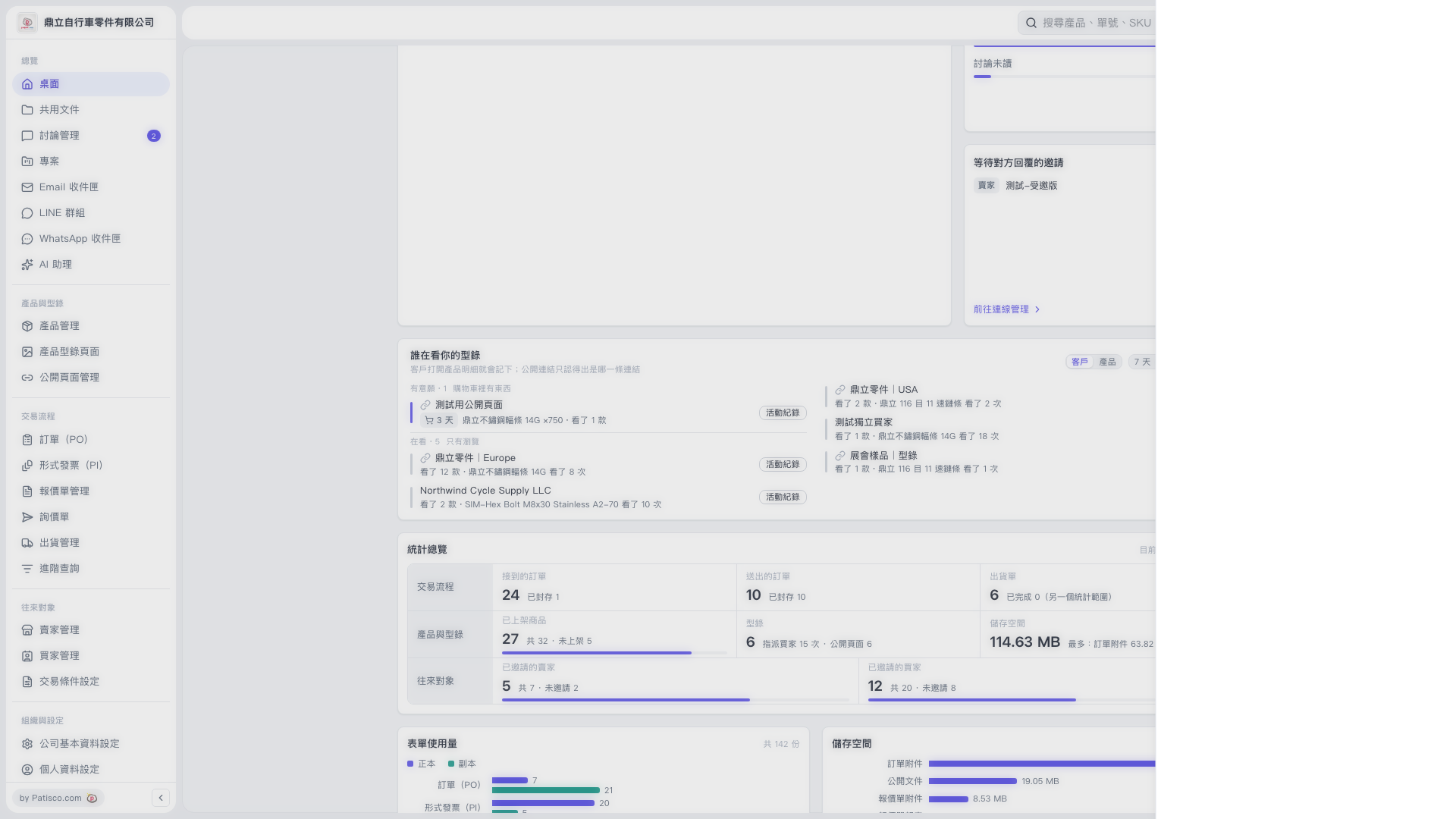
1. Select "Desktop" under "Overview" on the left and find the "Who is viewing your catalog" section. 2. Check the entries in the "Interested: Items in cart" category. The number of days associated with the cart is displayed next to the customer or public page name. Product names and the number of distinct products viewed are shown below. 3. Click "Activity Log" on the right of the row to see detailed activity. You can also use "Customers / Products" at the top right of the section to change the view, or click a reporting period to adjust the date range.
 V5 新桌面版|桌面