
1. If your company account is a Google account: tap "Sign in with Google" below the login page form and follow the on-screen instructions to log in. 2. If your company account is a Microsoft account: tap "Sign in with Microsoft" at the very bottom of the login page and follow the on-screen instructions to log in. 3. If you forgot your password: tap "Forgot Password?" at the lower right of the password field, follow the instructions to reset your password, then return to the login page and log in with the new password.
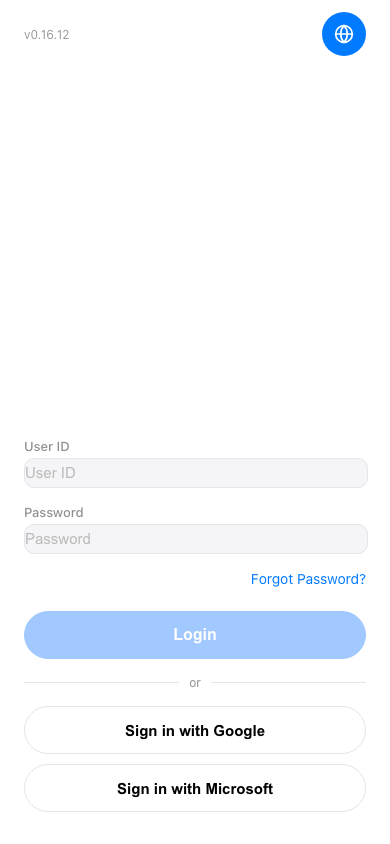 手機版|Login(登入)