
1. On the seller's catalog page, look at the "Product name" search box at the left below the banner, enter a keyword, and press Enter to search. The search field can be switched. 2. To the right of the search box, find the sort option. The default is "Created date / Descending". 3. Click the dropdown to switch the sort field. You can also switch the sort direction (descending or ascending). 4. Sorting and searching can be used together with the category tags and the price range "Apply" on the left.
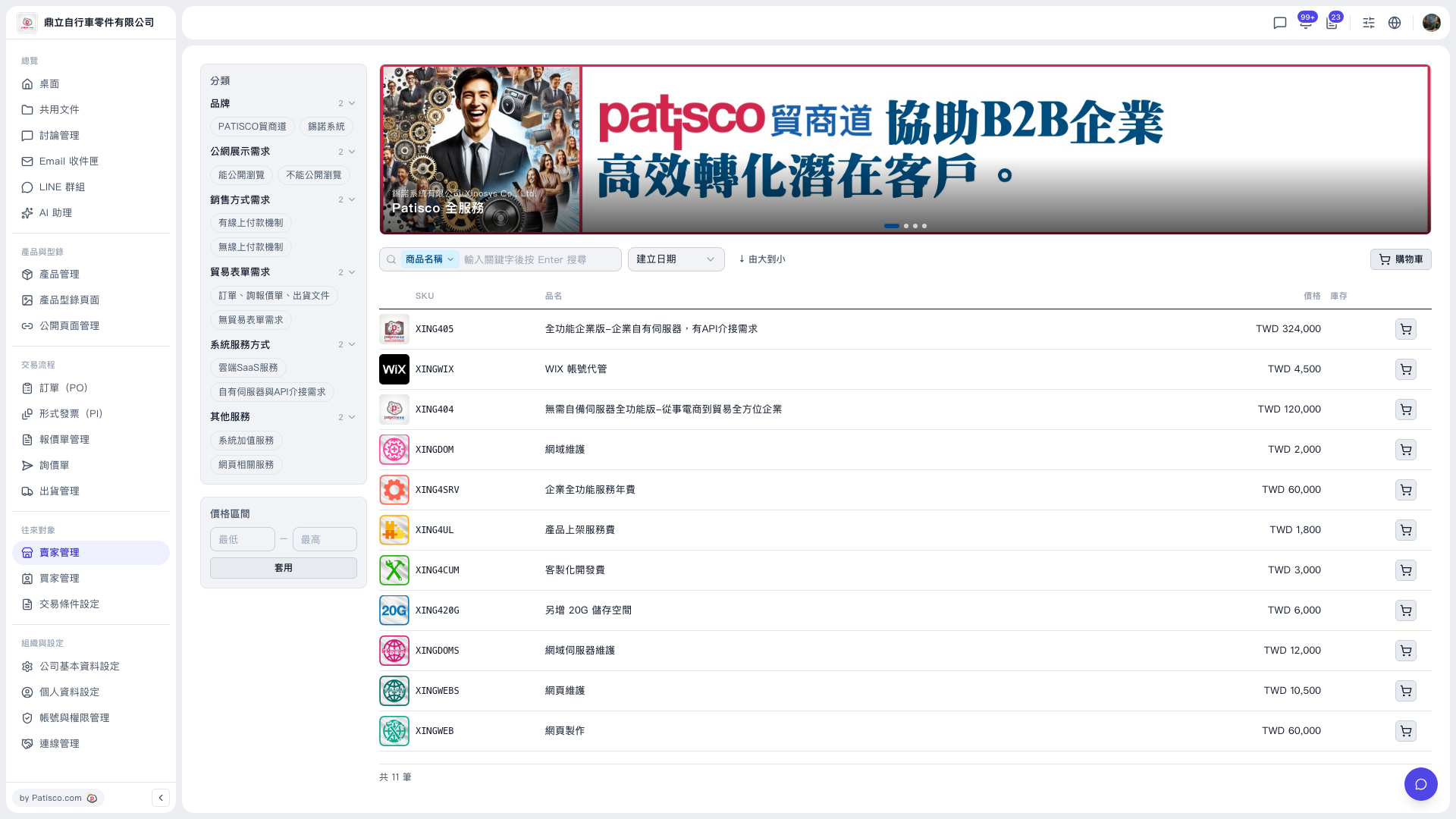 V5 新桌面版|賣家型錄頁面(錫諾系統有限公司 產品目錄)