
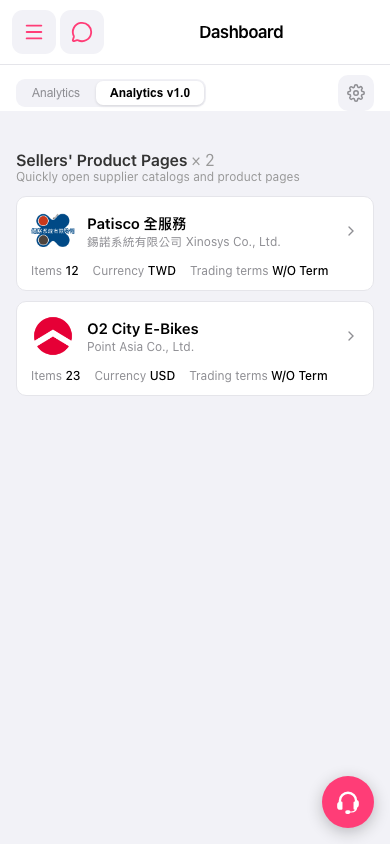
1. Open Patisco on your phone and go to the Dashboard page. 2. Make sure the tab below the title bar is set to “Analytics v1.0”. 3. In the “Sellers' Product Pages” section, scroll down through the seller cards, for example “Patisco 全服務” (錫諾系統有限公司 Xinosys Co., Ltd.) and “O2 City E-Bikes” (Point Asia Co., Ltd.). 4. Each card shows Items (number of items), Currency, and Trading terms.
 手機版|Dashboard