
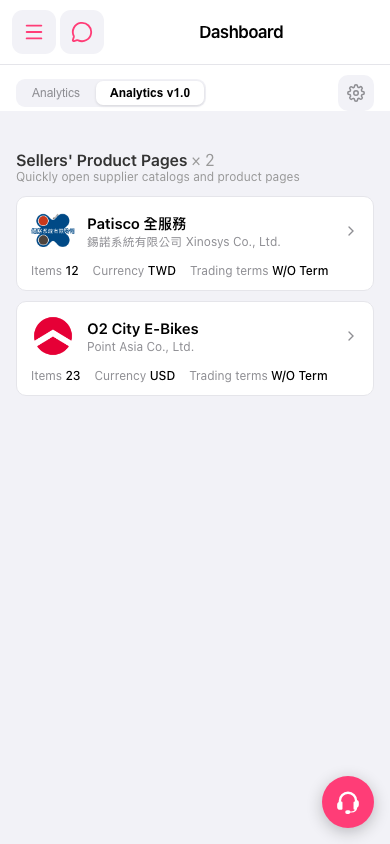
1. In the "Sellers' Product Pages" section of the mobile Dashboard, find the seller card you want, such as the 1st "Patisco 全服務" or the 2nd "O2 City E-Bikes". 2. Tap the seller card to open that supplier's catalog and product page. 3. For other features, tap the menu icon (three lines) at the top left to expand the side navigation. For help, tap the floating customer support icon (headset) at the bottom right.
 手機版|Dashboard