
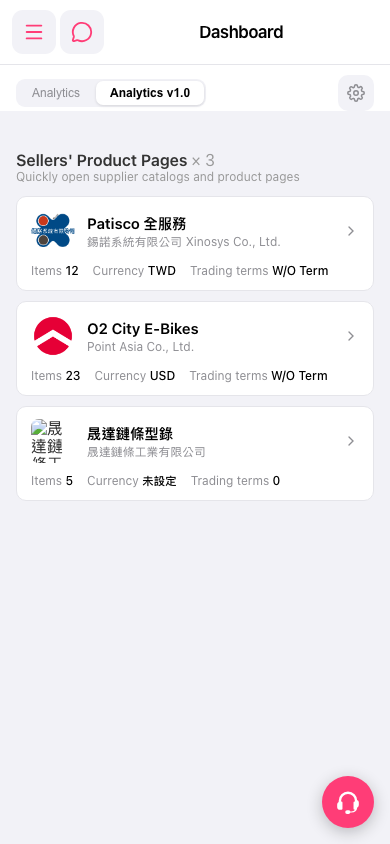
1. Side menu: tap the three-line icon at the top left to expand it and go to other functions. 2. Messages / chat: the chat icon to the right of the menu icon at the top left. 3. Switch views: tap the "Analytics" or "Analytics v1.0" tab on the left below the page title. 4. Adjust the dashboard: tap the gear icon on the right side of the tab bar. 5. Need help: tap the floating headset icon at the bottom right to open customer support.
 手機版|Dashboard