
1. Forgot password: Tap "Forgot Password?" at the lower right of the password field, then follow the on-screen forgot-password flow. 2. Sign in with Google: Tap "Sign in with Google" in the center below. 3. Sign in with Microsoft: Tap "Sign in with Microsoft" at the very bottom center. 4. Change the interface language: Tap the globe icon at the upper right.
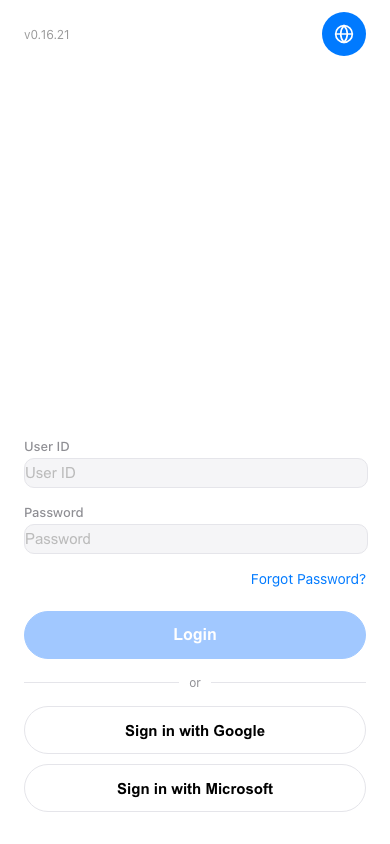 手機版|登入(Login)