
1. "Menu icon (☰)" at the upper left: Expands the sidebar navigation menu. 2. "Chat icon" next to the menu: Opens chat/messages. 3. "Settings (gear) icon" at the right end of the tab bar below the page title: Opens the dashboard settings. Tap it when you want to adjust what the dashboard displays. 4. Floating "customer support icon" at the lower right: Opens customer support. Tap it when you need help.
Note: In the test record for this step, the AI assistant had no actual Q&A (guideVisible=false), so there is no example question or reply to show.
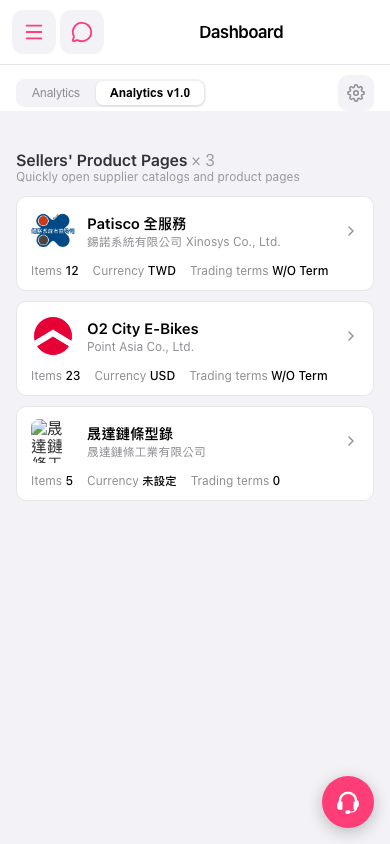 手機版|Dashboard