
Search: 1. On the "Discussion" tab, tap the "Search topic" search box at the top. 2. Enter a keyword, and the list will show the related discussion topics.
Add: 1. Tap "+ Add" on the right side of the search bar. 2. Fill in the topic and participants, then create it.
Delete: 1. Find the discussion row you want to delete, and tap the red trash can icon on the right side of the row. 2. Confirm the deletion as prompted on the screen. Check carefully before deleting to avoid deleting by mistake.
Also, if you need help from AI, you can switch to the "AI Discussion" tab below the title.
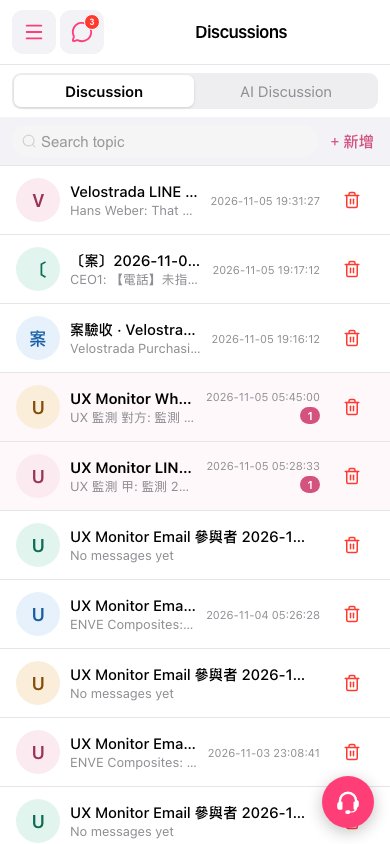 手機版|Discussions(討論)