
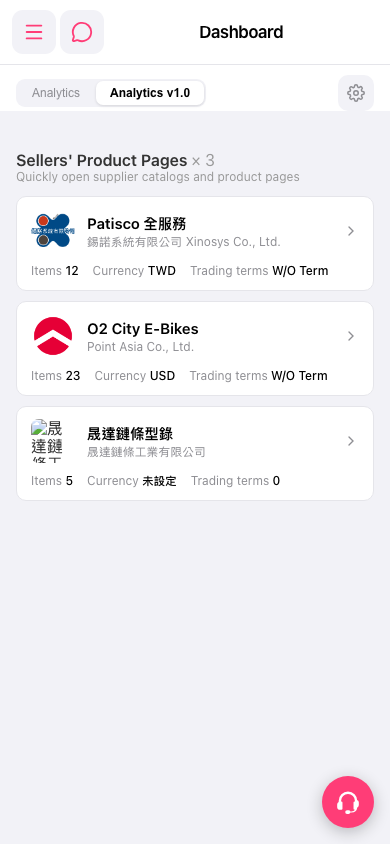
1. In the Sellers' Product Pages section of the Dashboard, find the card where the currency (Currency) shows "Not set" or the trading terms (Trading terms) is 0. 2. Tap the card, or tap the ">" arrow on the right, to open that supplier's product page. 3. On the product page, set the currency and trading terms.
If you want to adjust how the Dashboard itself is displayed, tap the gear icon on the right side of the tab bar to open the dashboard settings. To see other analytics, tap the "Analytics" tab at the top to switch versions (Analytics v1.0 is currently selected).
 手機版|Dashboard