
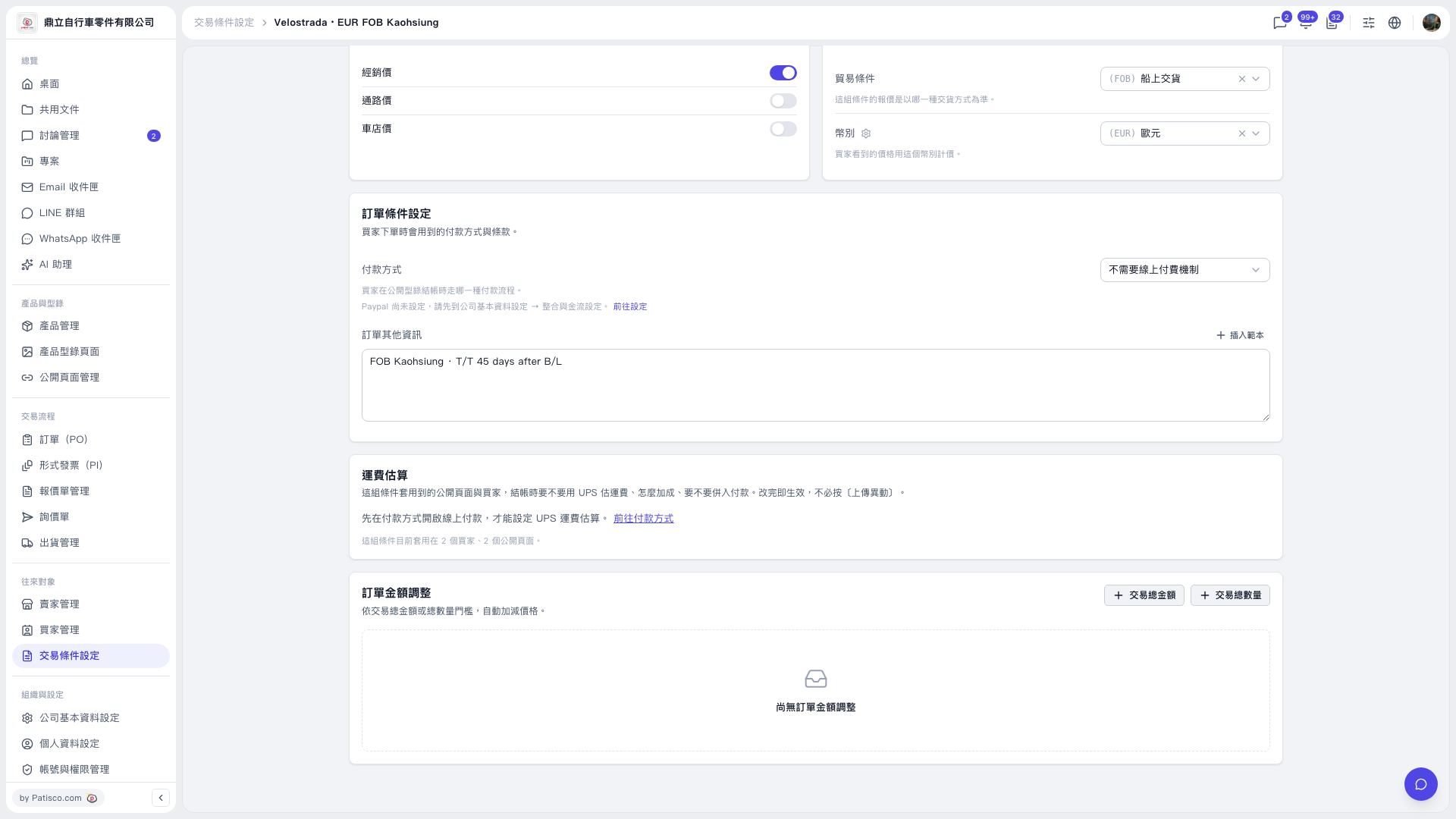
1. Under “Trading Condition Setting,” check “Payment Method,” which is currently set to “No Online Payment Required.” 2. Click “Go to Payment Method” in the “Shipping Cost Estimate” section. Enable online payment first, then set up UPS shipping cost estimates. 3. Note: Changes to shipping cost estimate settings take effect immediately and apply to buyers and public pages using this set of trading conditions. You do not need to click “Upload Changes.”
 V5 新桌面版|Velostrada · EUR FOB Kaohsiung