
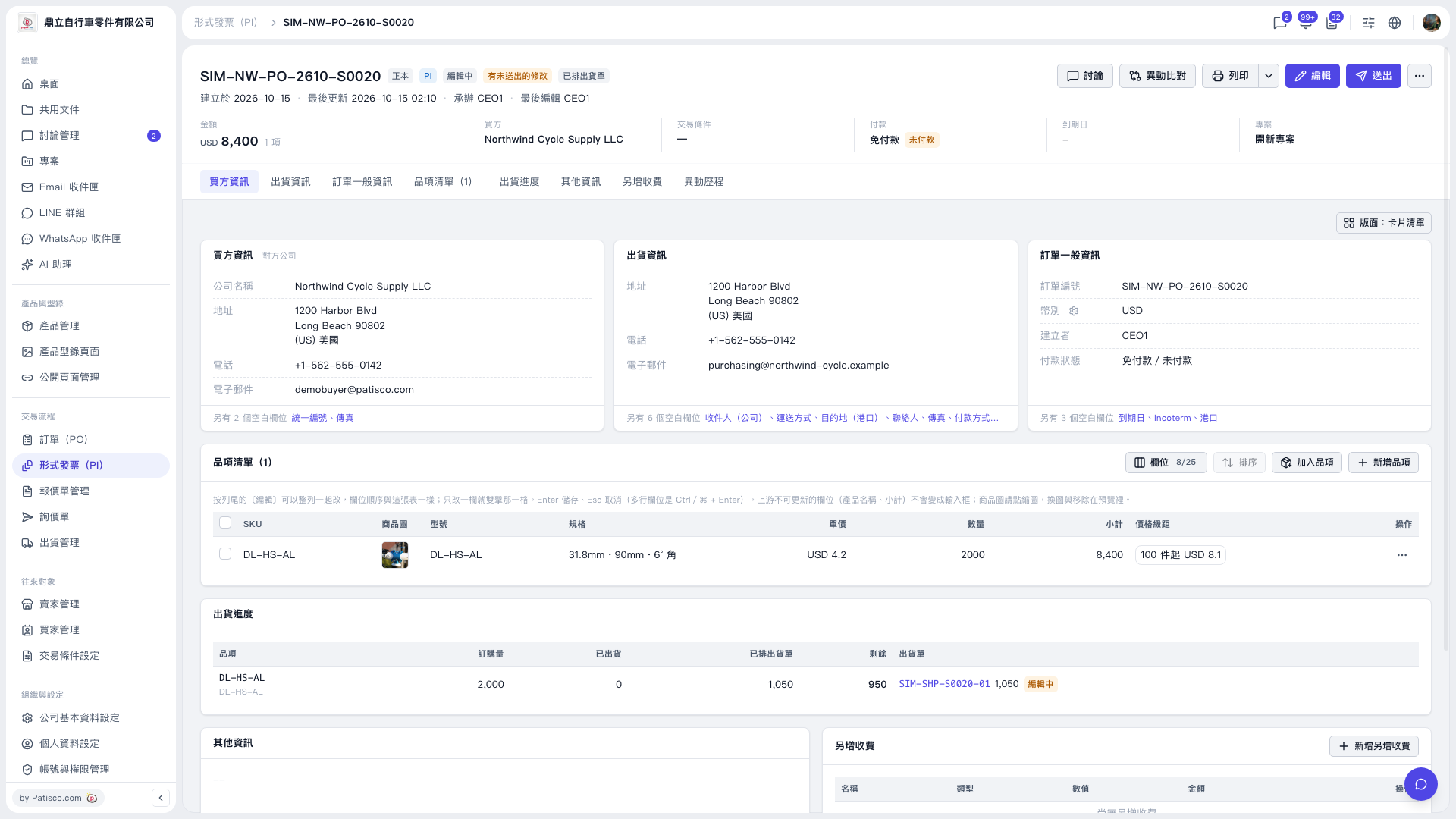
1. To print a Proforma Invoice, click “Print” in the upper-right corner of the details page. 2. To check shipping progress, click “Shipping Progress” below the summary. 3. In the “Shipment Document” column of the shipping progress table, click “SIM–SHP–S0020–01” to view the corresponding shipment document.
 V5 新桌面版|SIM–NW–PO–2610–S0020