
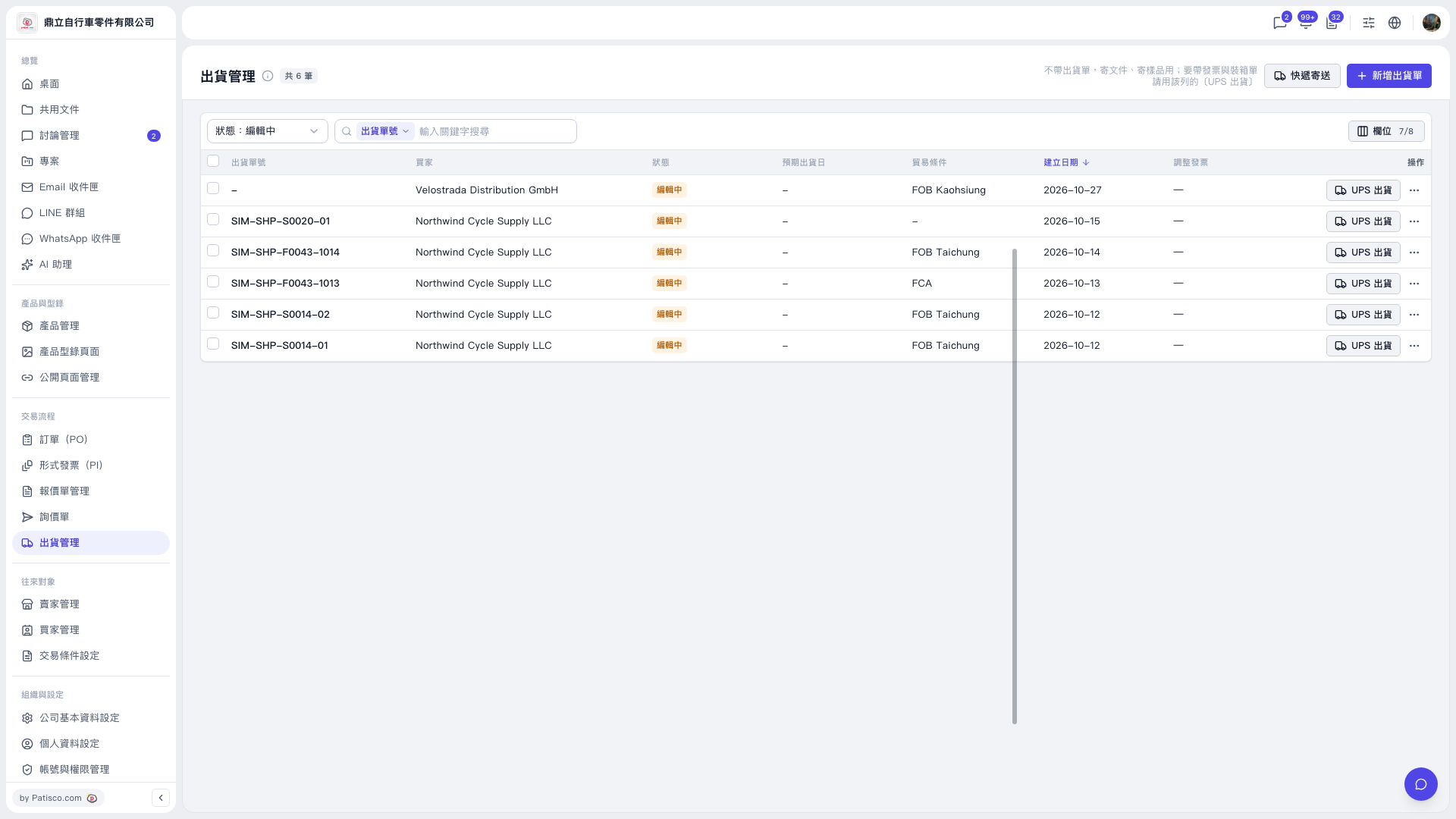
1. On the “Shipping Management” page, click “Status: Editing” at the upper left of the list and select the shipment document status you want to view. 2. Select “Shipment Document No.” in the search area above the list and enter keywords to find the shipment document. 3. Verify the buyer, trade terms, and creation date of the entry. 4. Click “UPS Shipping” on the right side of that row to proceed with the shipping process.
 V5 新桌面版|出貨管理