
1. At the top left of the PO page, select “Sent (PO)” or “Received (PO)”. 2. Above the list, select a search field, such as “PO Number”. Enter a keyword in “Enter a keyword and press Enter to search”, then press Enter. 3. For additional search criteria, click “Filter” to the right of the search box. 4. Identify the PO you need by checking the PO number, status, seller, buyer, and amount in the list.
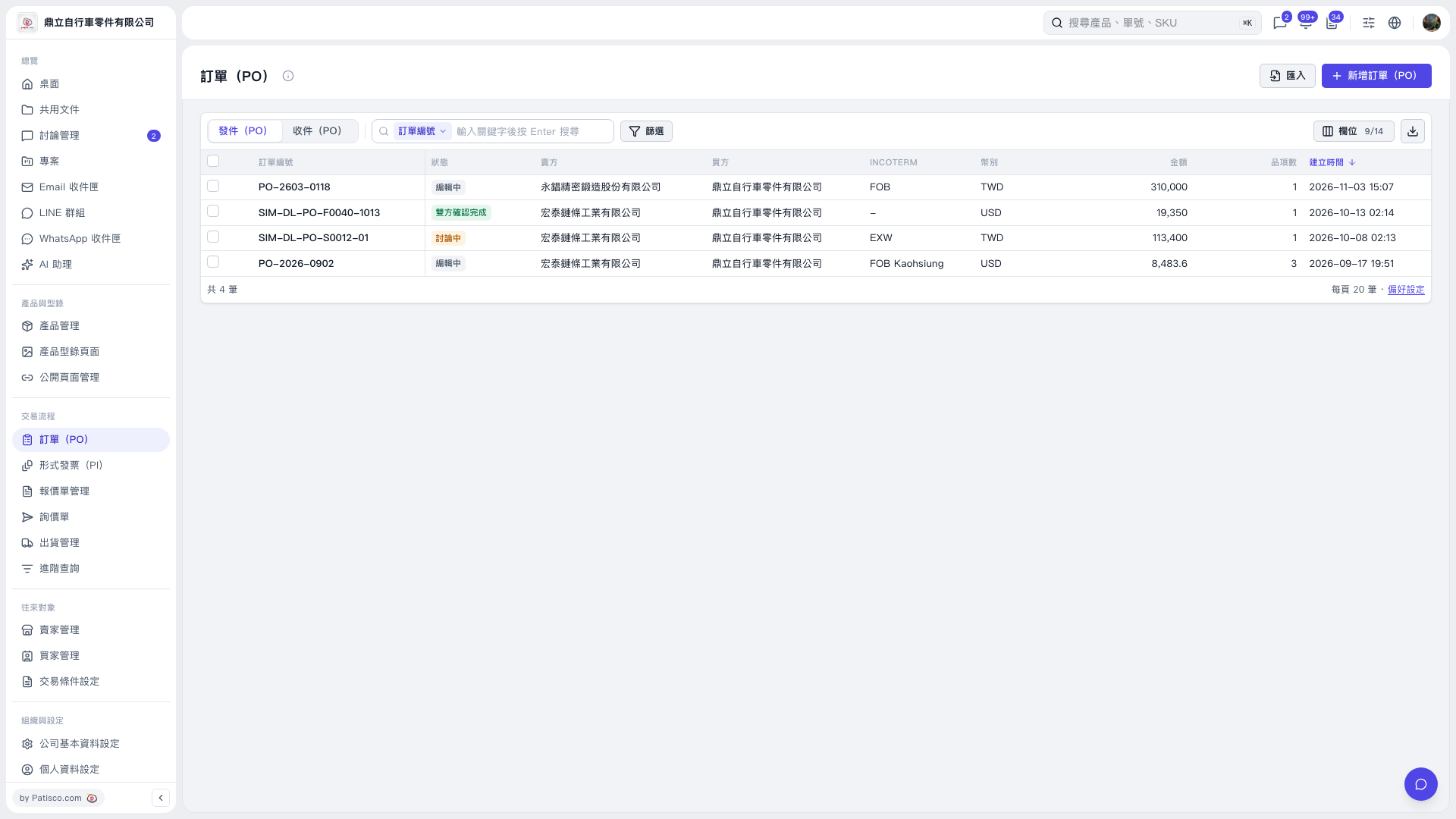 V5 新桌面版|訂單(PO)