1. Go to the PO page. 2. To create a PO, click “New PO” in the upper-right corner to open the PO creation screen. 3. To import PO data, click “Import” to the left of “New PO”.
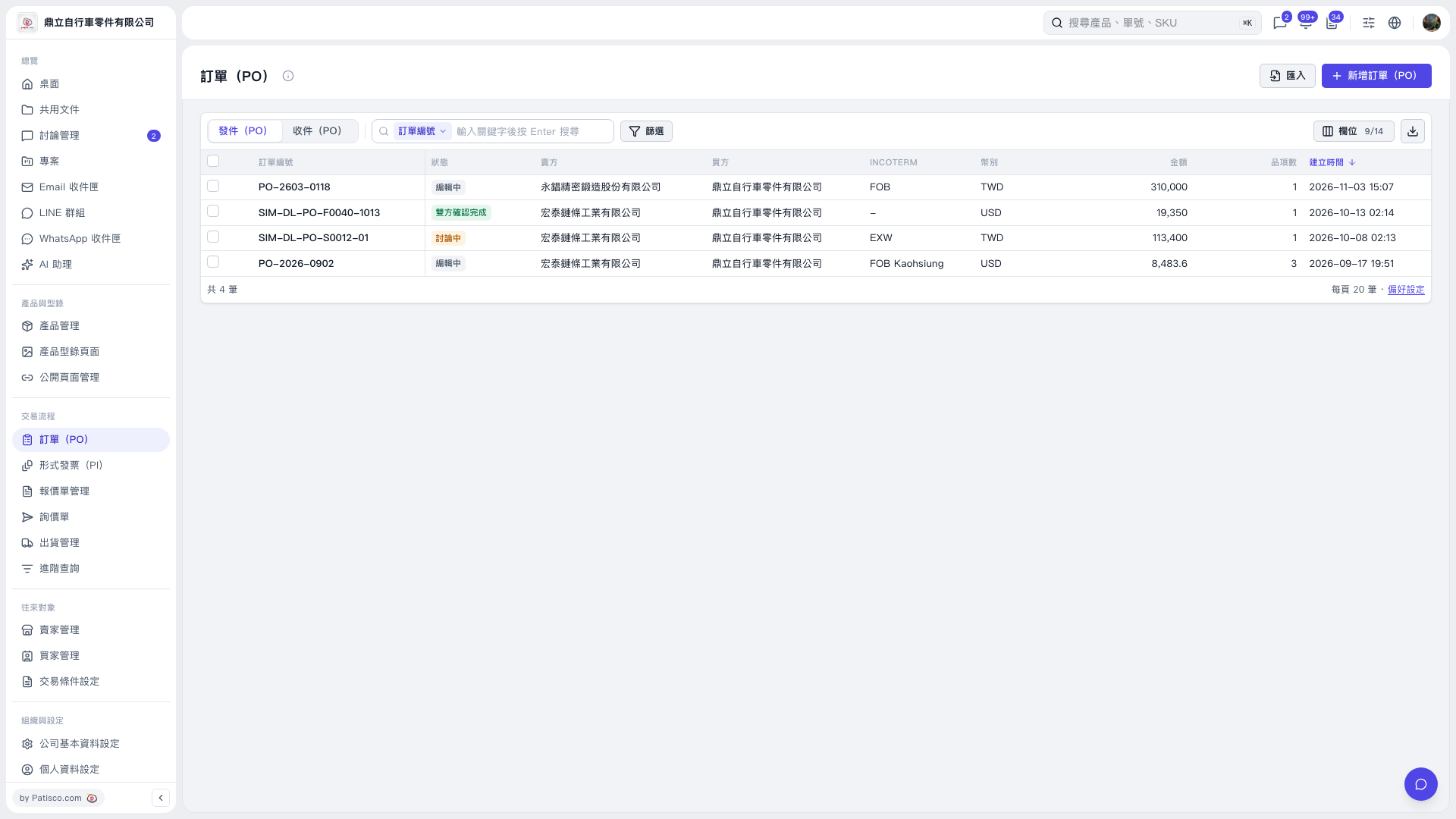 V5 新桌面版|訂單(PO)

1. Go to the PO page. 2. To create a PO, click “New PO” in the upper-right corner to open the PO creation screen. 3. To import PO data, click “Import” to the left of “New PO”.
V5 新桌面版|訂單(PO)