
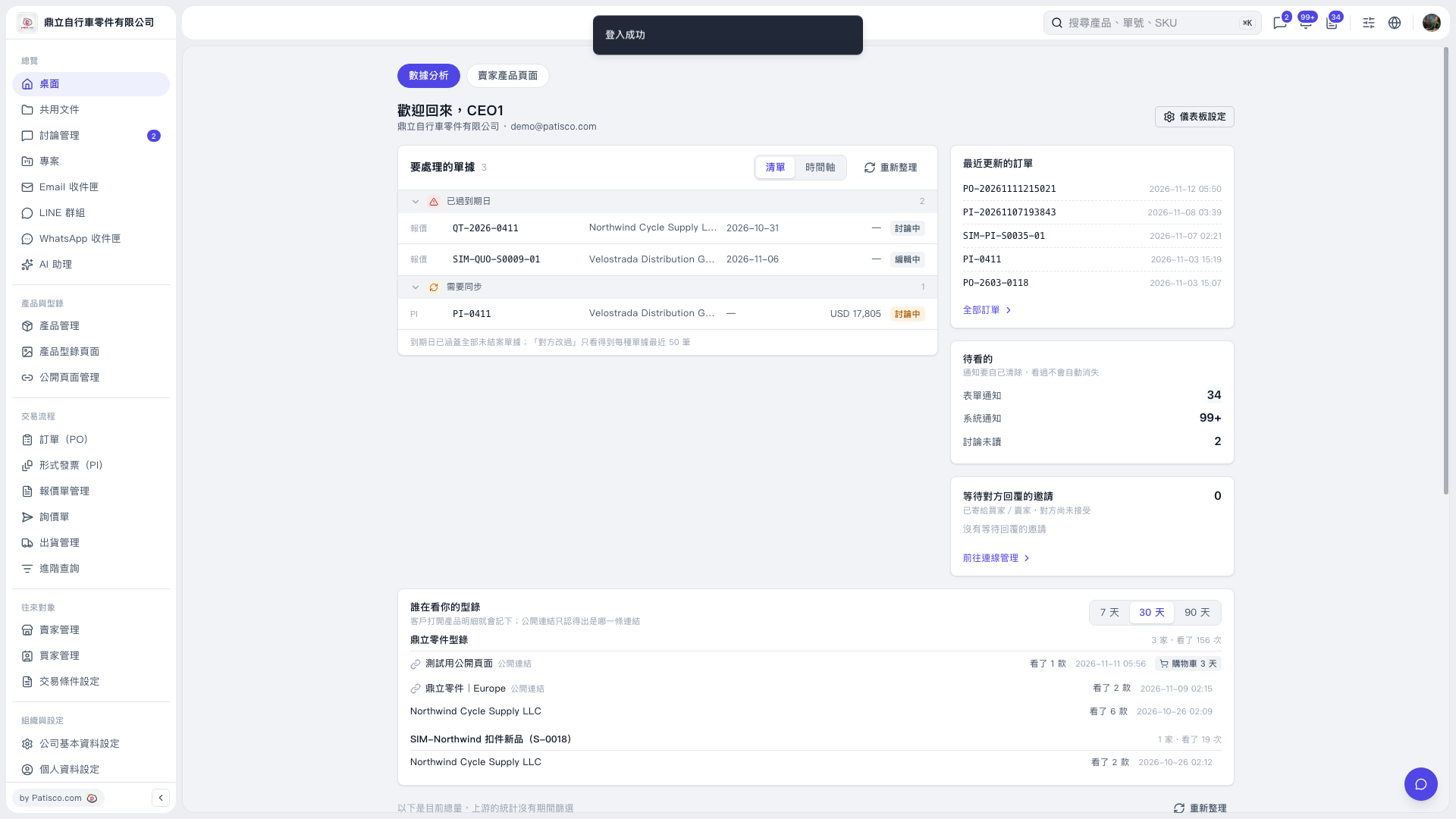
1. In the “Documents to Process” section under “Desktop – Data Analysis,” check the documents marked “Past Due” and “Needs Sync.” 2. Switch between “List” and “Timeline,” and click a “Document Number” to view and handle the document. 3. After returning to the desktop, click “Refresh” to update the pending items.
 V5 新桌面版|桌面-數據分析