
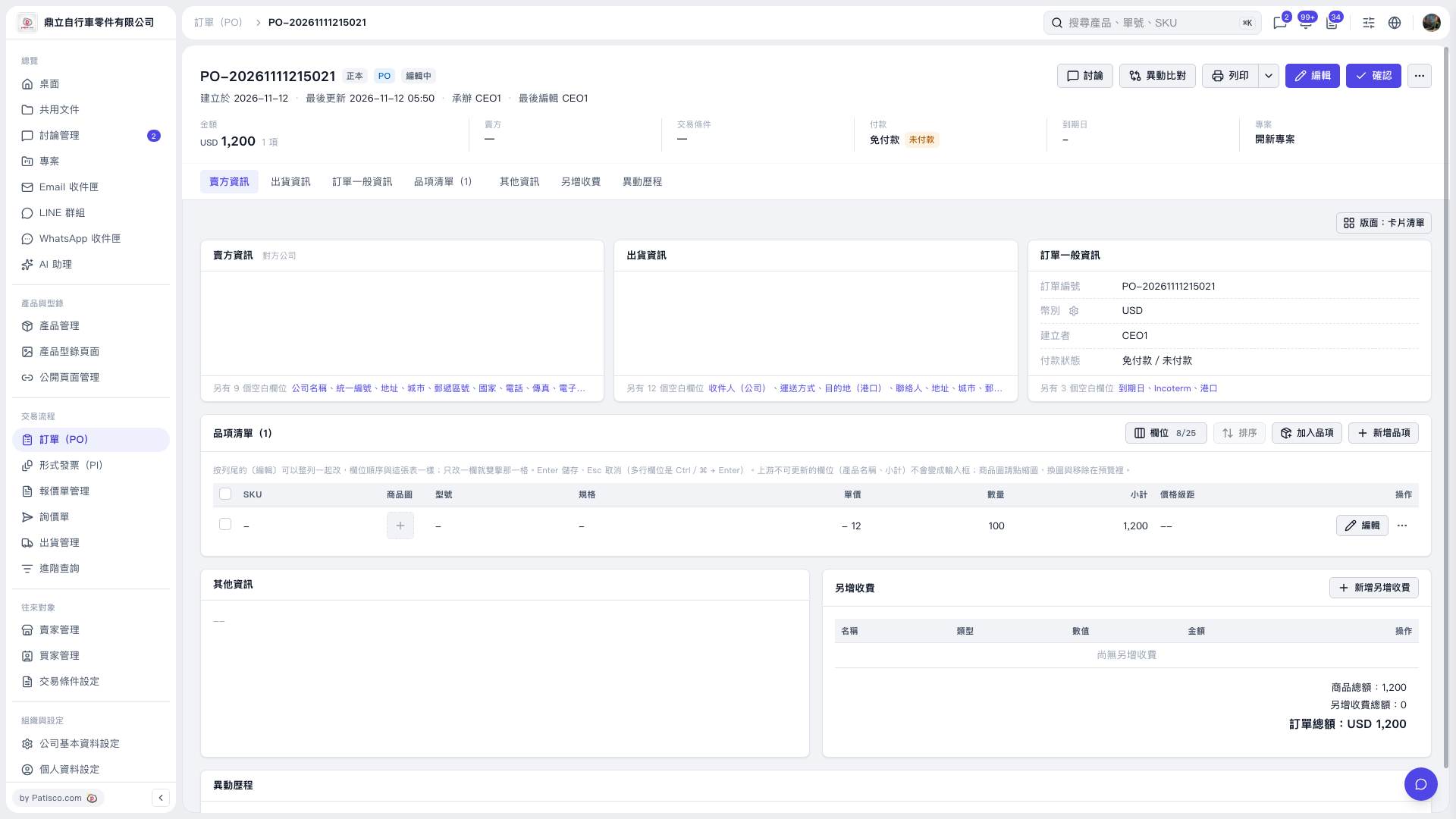
1. In the PO item list, click “Edit” on the right side of the row you want to modify. 2. Clear the SKU, model, or specifications you want to remove, then save the item. 3. If “Saving…” appears, wait until saving is complete. The button will be disabled during this time. 4. After saving, click “Edit” on the right side of the item again to check the fields you cleared. This test confirmed that the SKU, model, and specifications all remained blank after saving.
 V5 新桌面版|PO–2026111215021