
1. In the filter panel on the right of the PO page, select “All,” “Editing,” “In Discussion,” “Archived,” or “Canceled” under “Status.” 2. Use the drop-down menus to set “Seller Company,” “Seller E-Mail,” and “Seller Country” as needed. 3. Under “Created Date,” select “Today,” “Last 7 Days,” or “Last 30 Days,” or enter a start date and end date. 4. Click “Done” in the lower-right corner to confirm the filters.
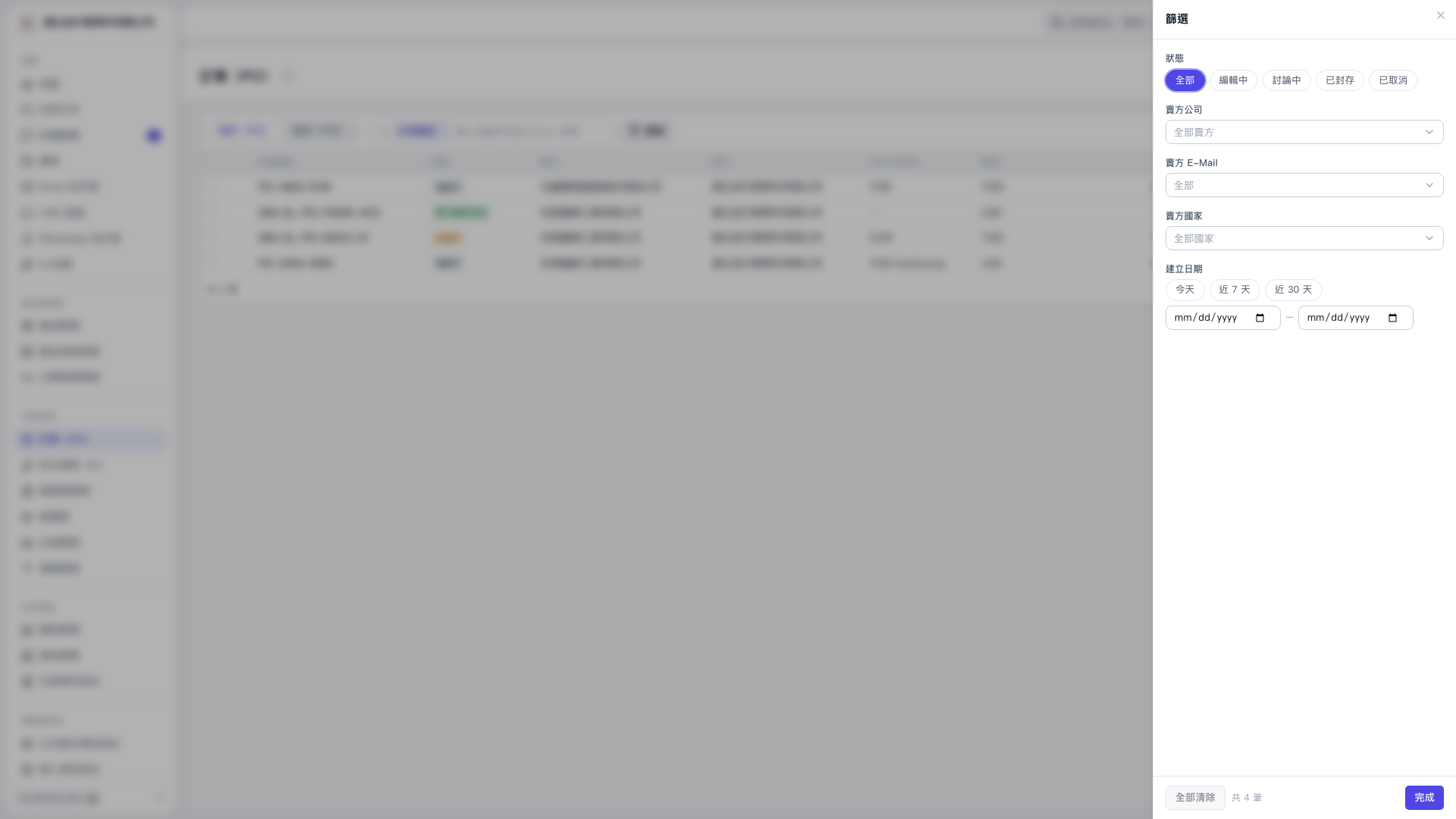 V5 新桌面版|採購單(PO)—篩選