
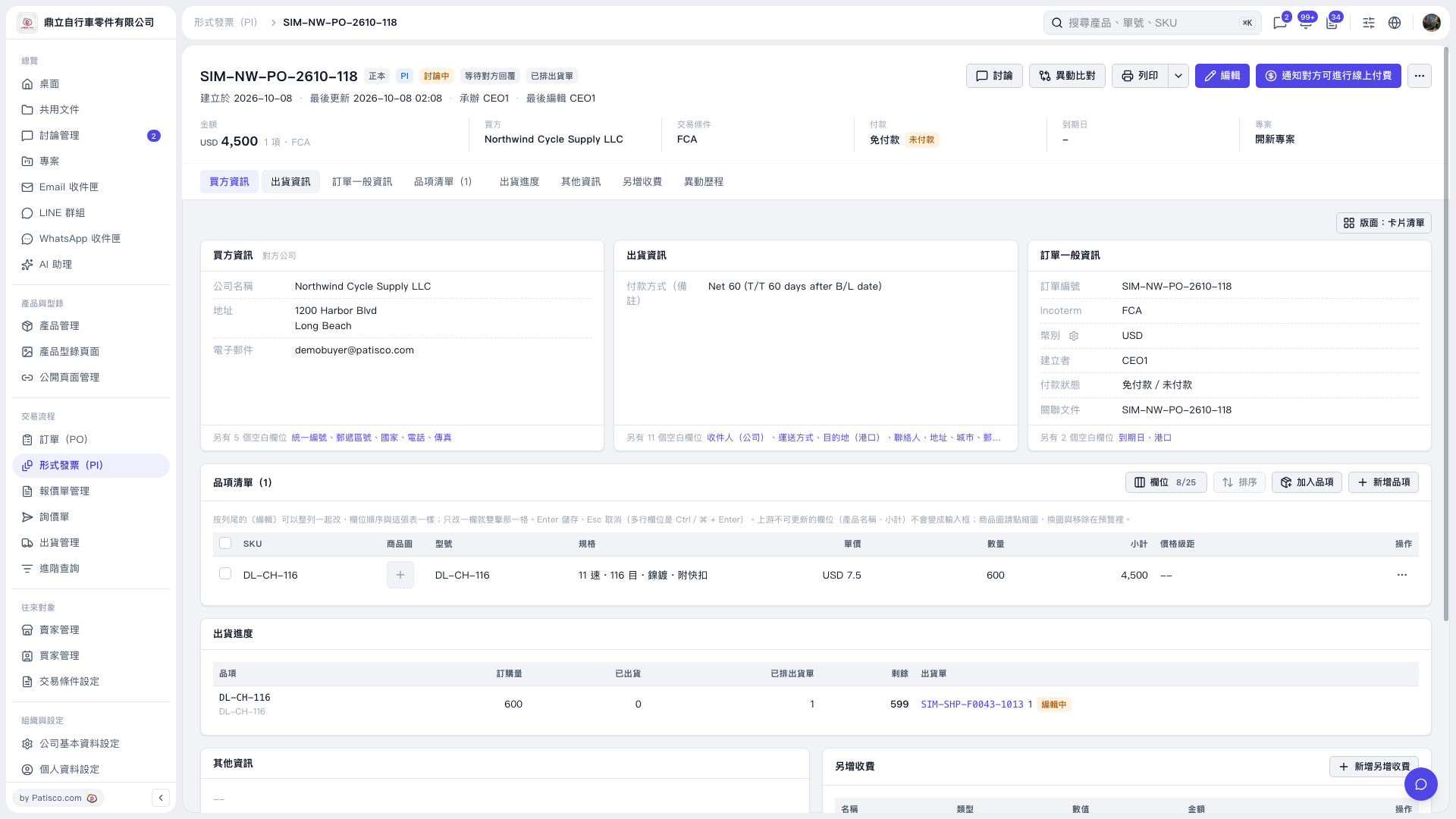
1. On the PO copy page, find “PI Issued: SIM-NW-PO-2610-118” and click the PI number. 2. After opening the Proforma Invoice, confirm that the number in the header is “SIM–NW–PO–2610–118”, and check the buyer, total amount, and trading conditions. 3. To modify the Proforma Invoice details, click “Edit” in the upper-right corner. To print it, click “Print”.
 V5 新桌面版|SIM–NW–PO–2610–118