
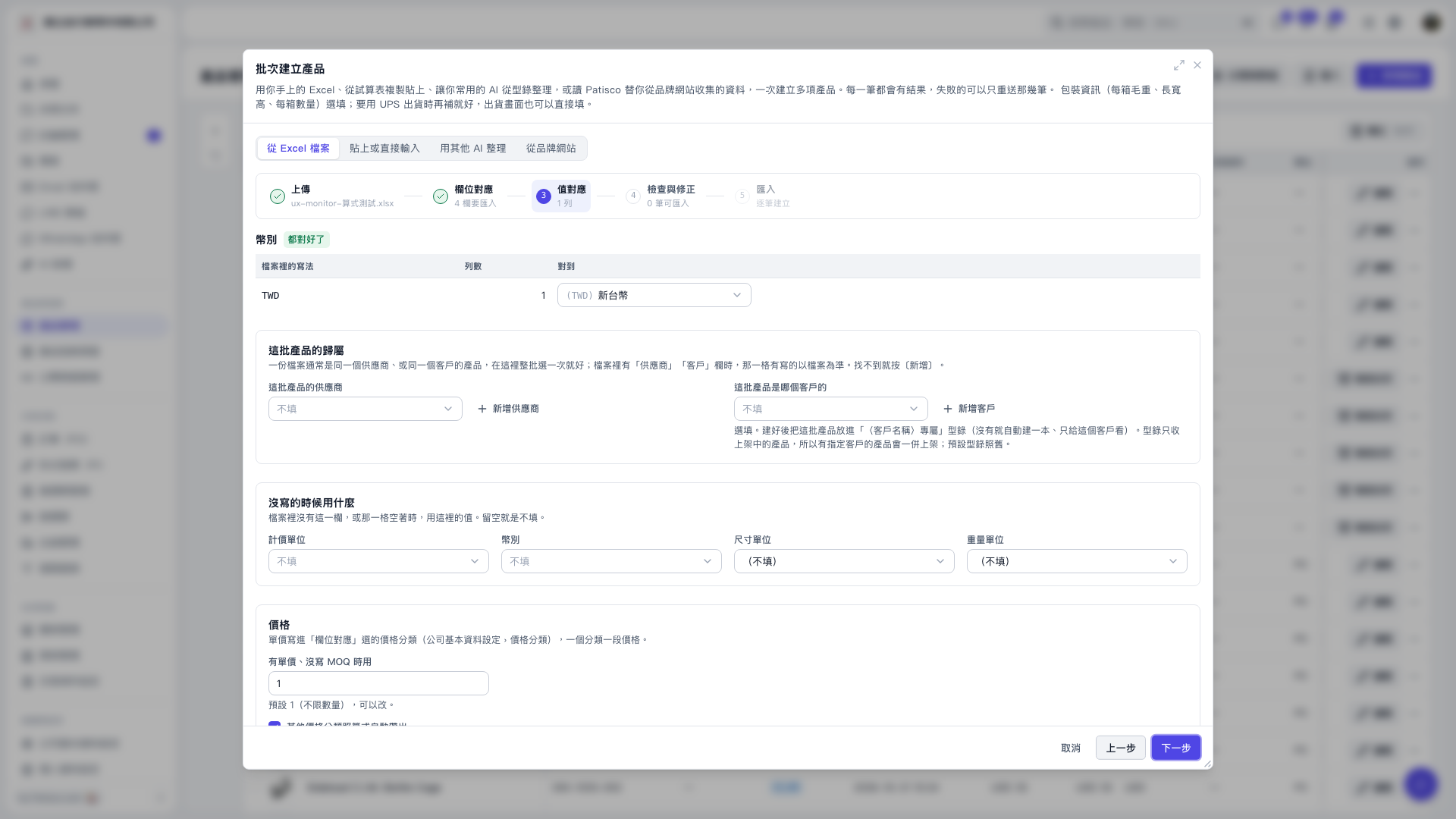
1. In the "Value Mapping" step of "Bulk Create Products", confirm that "Automatically Populate Other Price Categories Using Formulas" is selected. It is selected by default. 2. In this demo's settings, "Distributor Price" is the base: "Channel Price" is the base plus 8%, and "Bike Shop Price" is the base plus 15%. Both are rounded to 2 decimal places, and MOQ is inherited from the base. 3. Click "Next" to proceed to "Review and Correct", then confirm the data before importing.
 V5 新桌面版|批次建立產品