
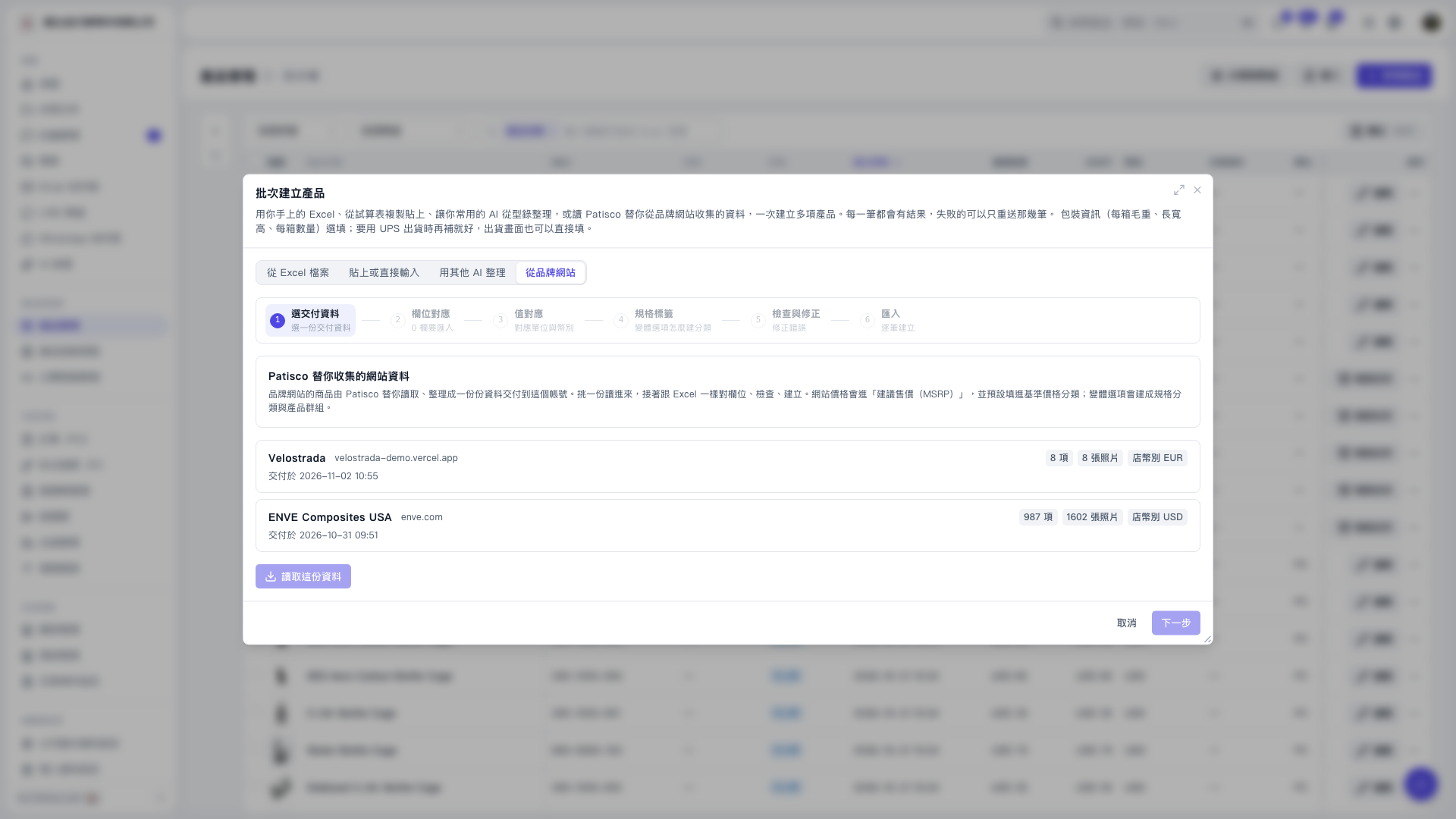
1. In the “Create Products in Bulk” window, select the “From Brand Website” tab. 2. Select the brand data you want to import, such as “Velostrada” or “ENVE Composites USA”, and check the number of products, number of photos, and store currency. 3. Click “Load This Data”. Once loading is complete, click “Next” to proceed to “Field Mapping”. 4. Complete “Field Mapping”, “Value Mapping”, “Specification Labels”, and “Review and Correct” in order. Website prices will be imported into “MSRP”, and variant options will be used to create specification categories and product groups. 5. Proceed to the “Import” step to create products one by one and review the results. Failed items can be retried individually.
 V5 新桌面版|批次建立產品