
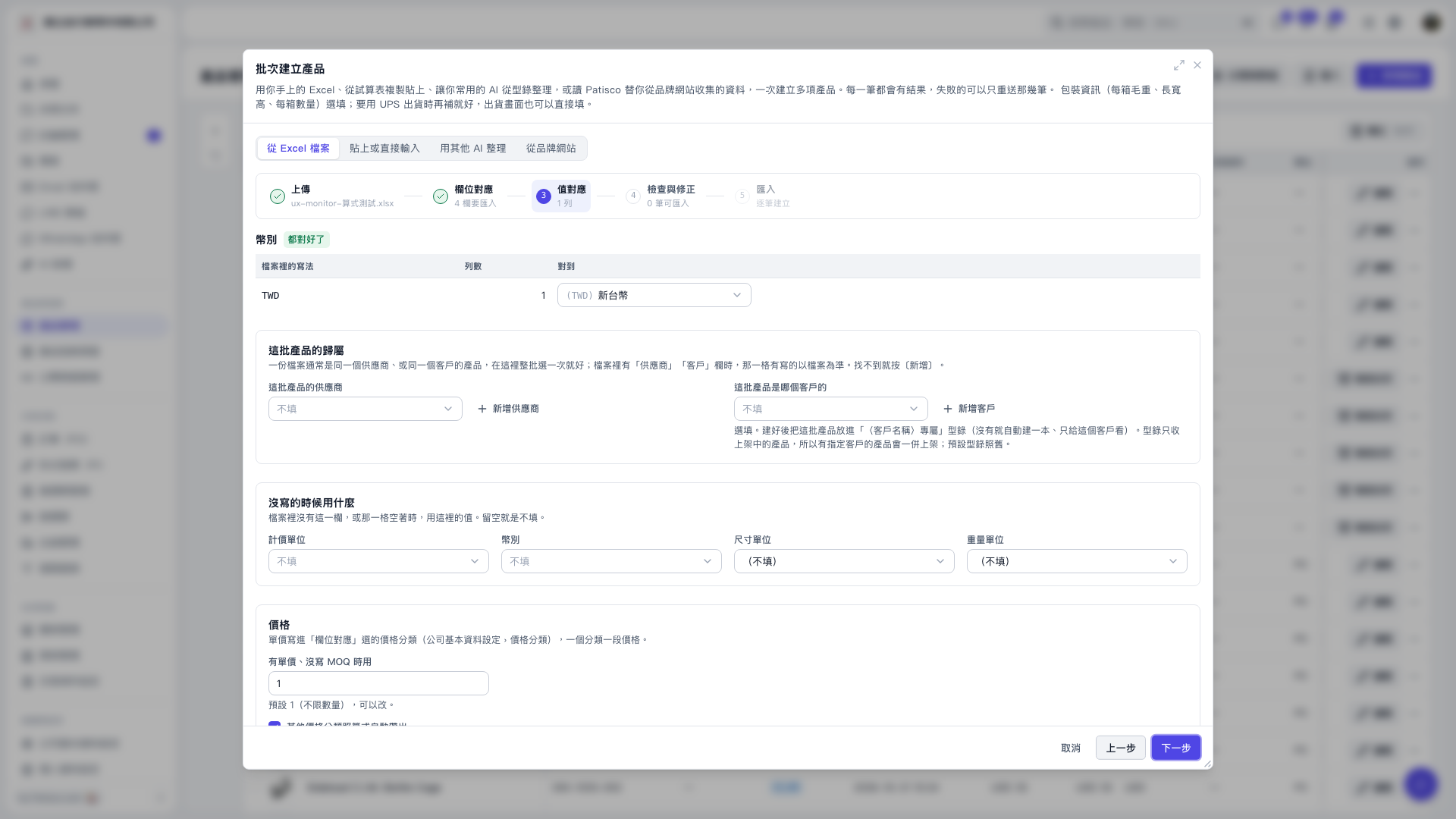
1. First, check the currency value mapping. TWD is currently mapped to "New Taiwan Dollar". 2. Under "Defaults for Missing Values", set the "Pricing Unit", "Currency", "Dimension Unit", and "Weight Unit" to use when values are missing. Leave a field blank to leave that value unfilled. 3. Check the quantity under "Use When a Unit Price Is Present but MOQ Is Missing". The default is 1. 4. Click "Next" to proceed to "Review and Correct", then confirm the filled-in data before importing.
 V5 新桌面版|批次建立產品