
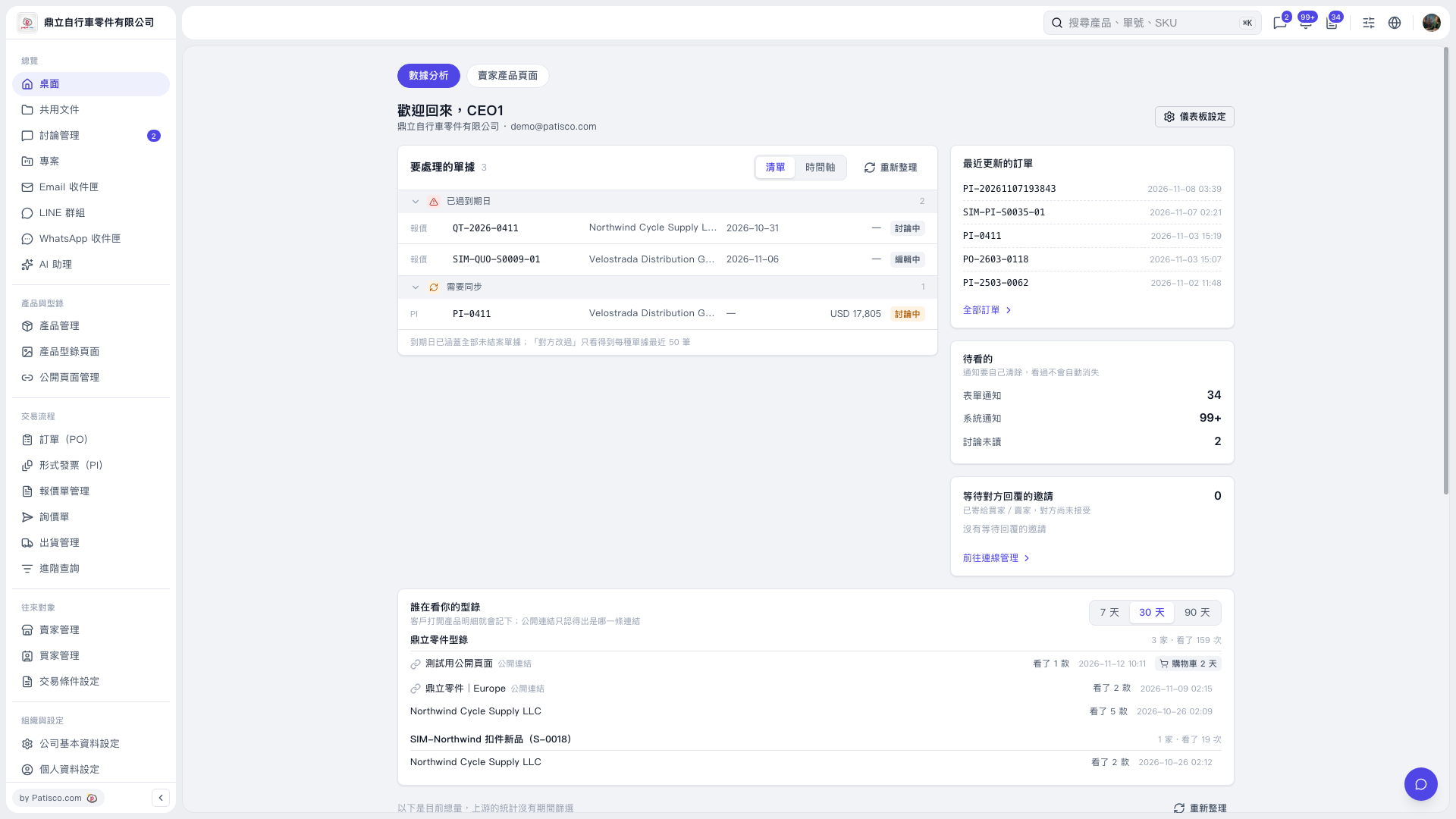
1. Find the “Who is viewing your catalog” section near the bottom of the Dashboard. 2. Click “7 days,” “30 days,” or “90 days” in the upper right to select the reporting period. 3. Find the catalog you want to check and review the number of companies and views on the right. 4. Review the records labeled “Public link” below the catalog, then compare the number of products viewed, viewing time, and cart status to understand the visitor’s browsing activity.
 V5 新桌面版|歡迎回來,CEO1