
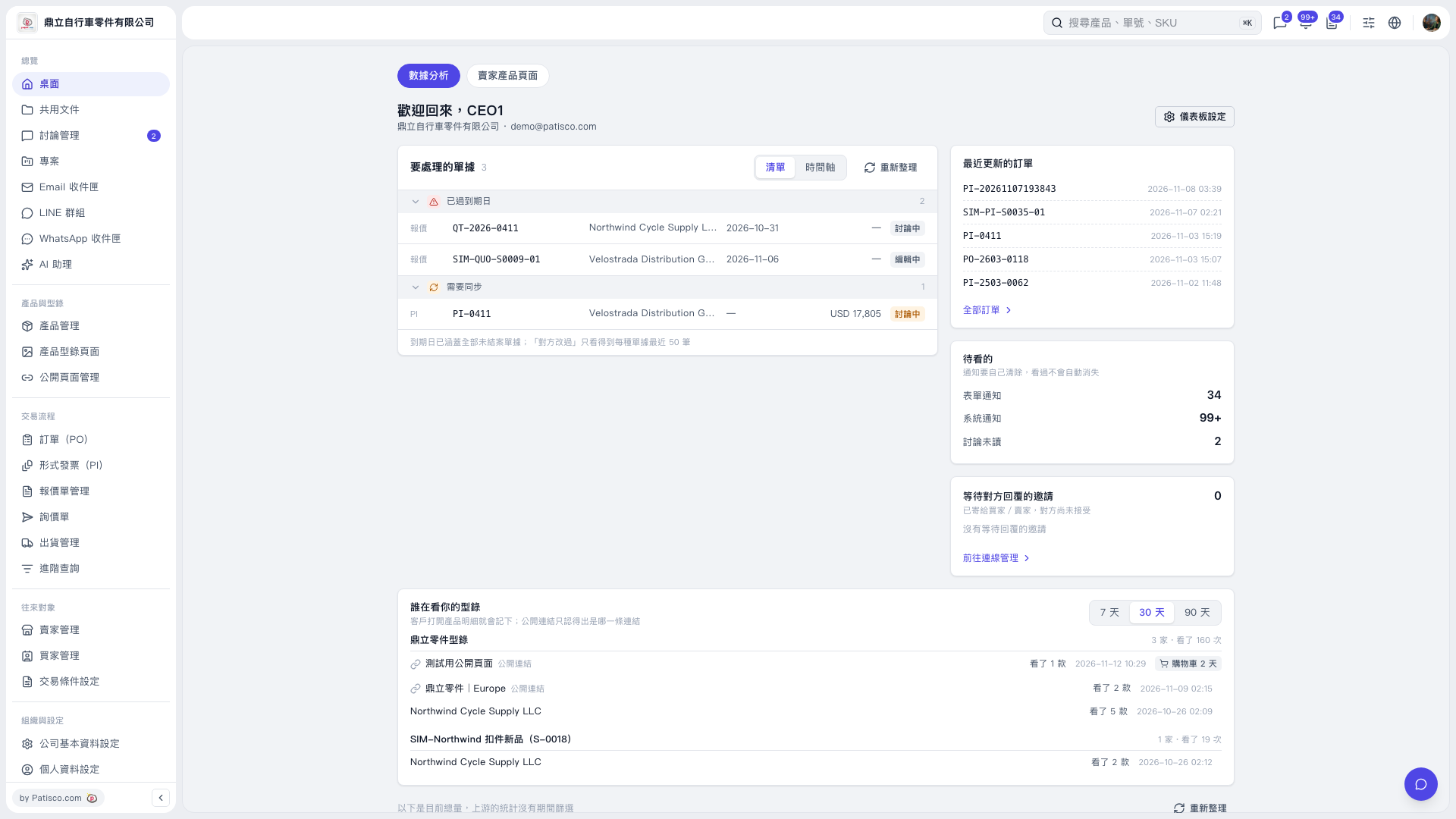
1. Select “Dashboard” on the left and open “Data Analytics.” 2. Find the “Who is viewing your catalog” card below and click “30 days” in the upper right. If it is already selected, you can view the records directly. 3. Review the number of companies and views for each catalog, then check each row for the customer or public page name, number of products viewed, and last viewed time. 4. To compare other periods, click “7 days” or “90 days.”
 V5 新桌面版|數據分析