
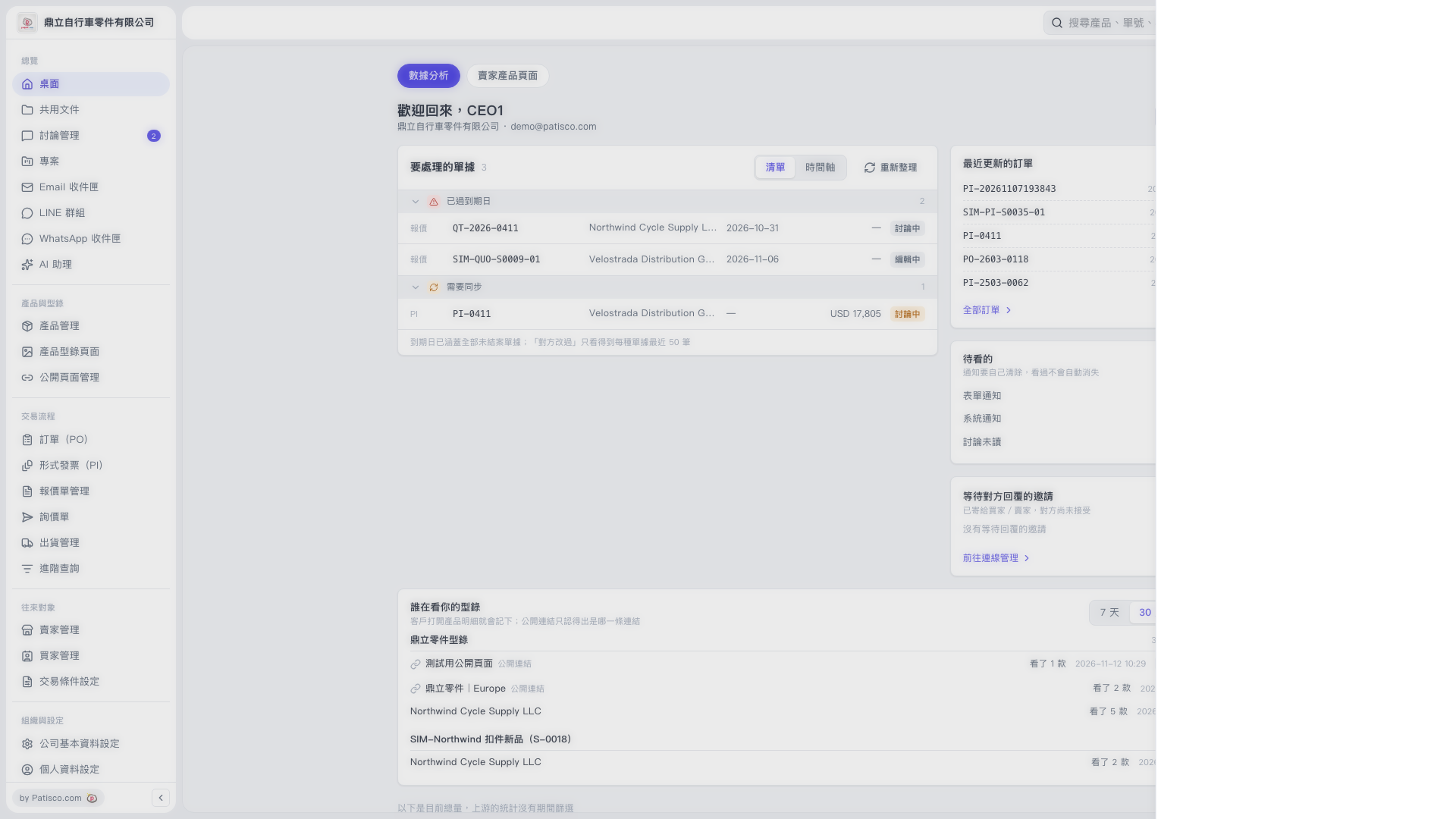
1. Find the “Who is viewing your catalog” section near the bottom of the Dashboard. 2. Click “7 days” or “30 days” in the upper right to change the reporting period. 3. Under the catalog name, review the buyer or public link source, number of products viewed, and viewing time. For example, “Northwind Cycle Supply LLC” viewed 5 products in “Dingli Parts Catalog.” 4. Click a buyer’s viewing record to open the drawer on the right. In the screen currently provided, the drawer is empty, so further information or actions cannot be confirmed.
 V5 新桌面版|桌面