
1. Under “Status” in the “Filter” panel, select “All”, “Editing”, “In Discussion”, “Archived”, or “Canceled”. 2. Select “Buyer Company”, “Buyer E-Mail”, or “Buyer Country” from the drop-down menus as needed. 3. Under “Creation Date”, click “Today”, “Last 7 Days”, or “Last 30 Days”. You can also set a custom date range using the start date and end date fields. 4. Click “Done” at the bottom right to apply the filter settings. 5. To reset the filter criteria, click “Clear All” at the bottom left.
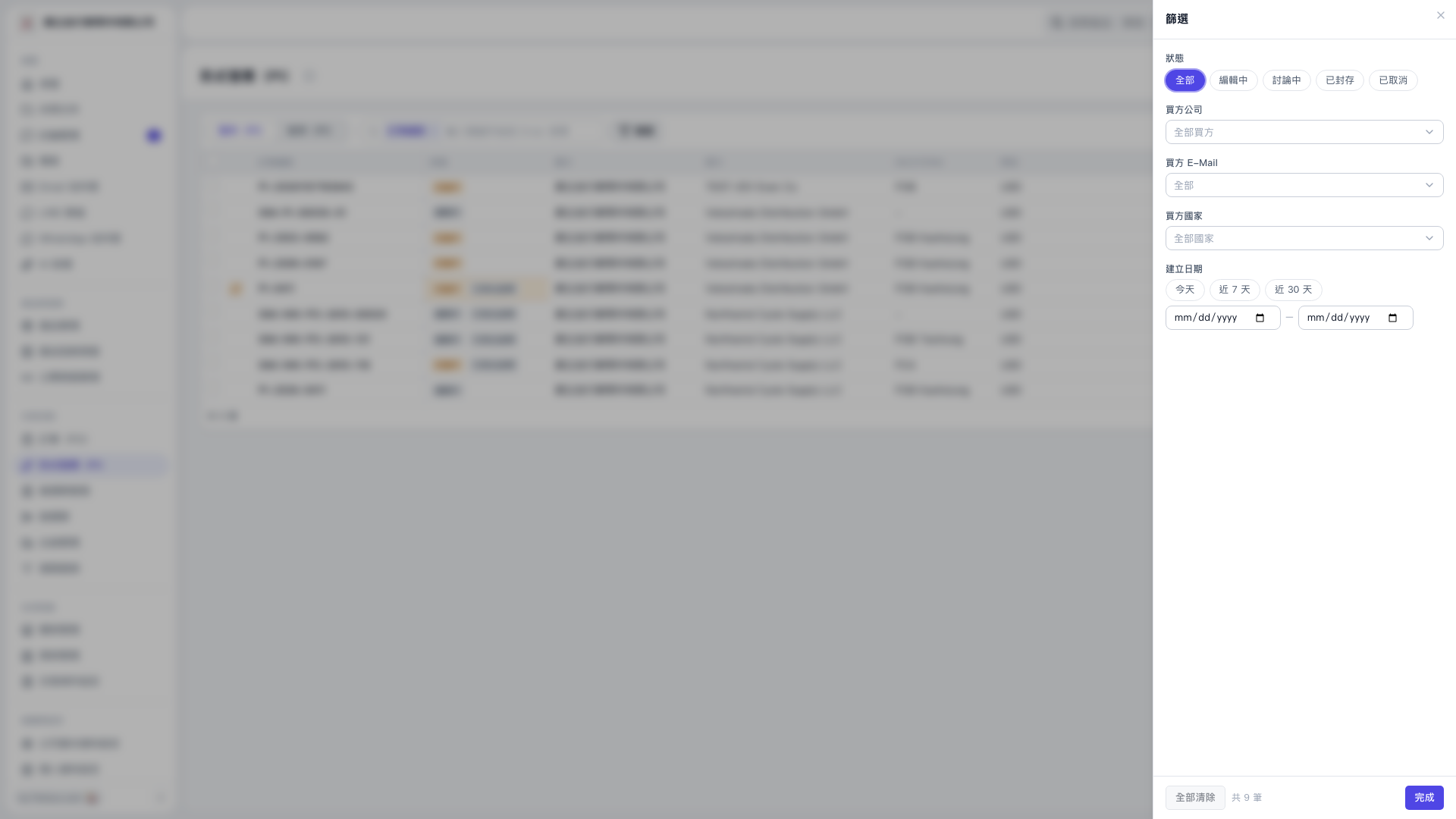 V5 新桌面版|篩選(PI 列表;背景頁面主標題模糊,無法確認)