
1. Above the “Seller Product Catalog” list, make sure the search field is set to “Product Name”, enter a keyword, and press Enter. 2. To narrow the results, select conditions under “Category Filter” on the left. You can also enter a “Minimum Price” and “Maximum Price”, then click “Apply”. 3. Use “Creation Date” to select the sort field, and use “Descending” to adjust the sort direction.
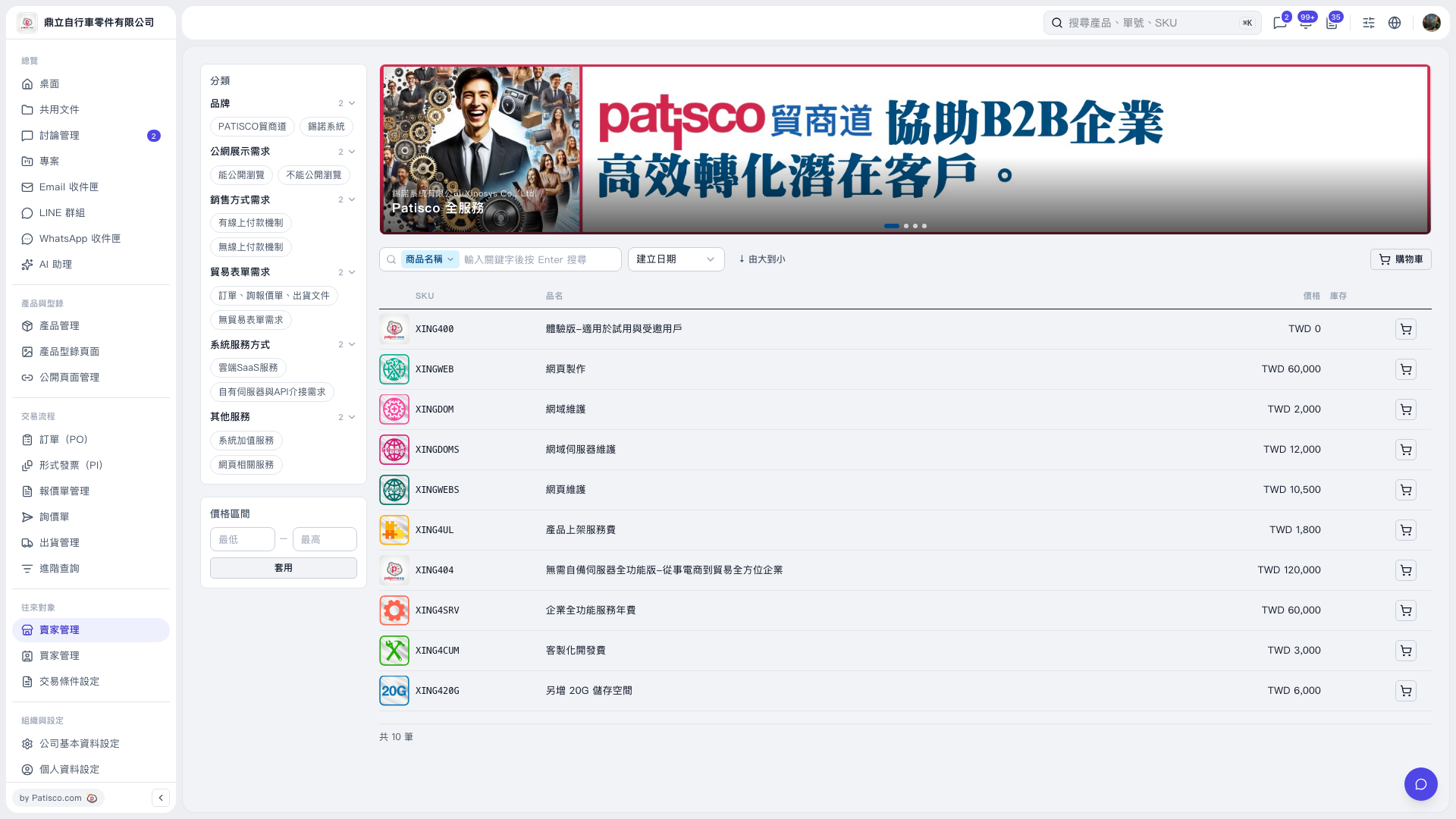 V5 新桌面版|賣家產品型錄