
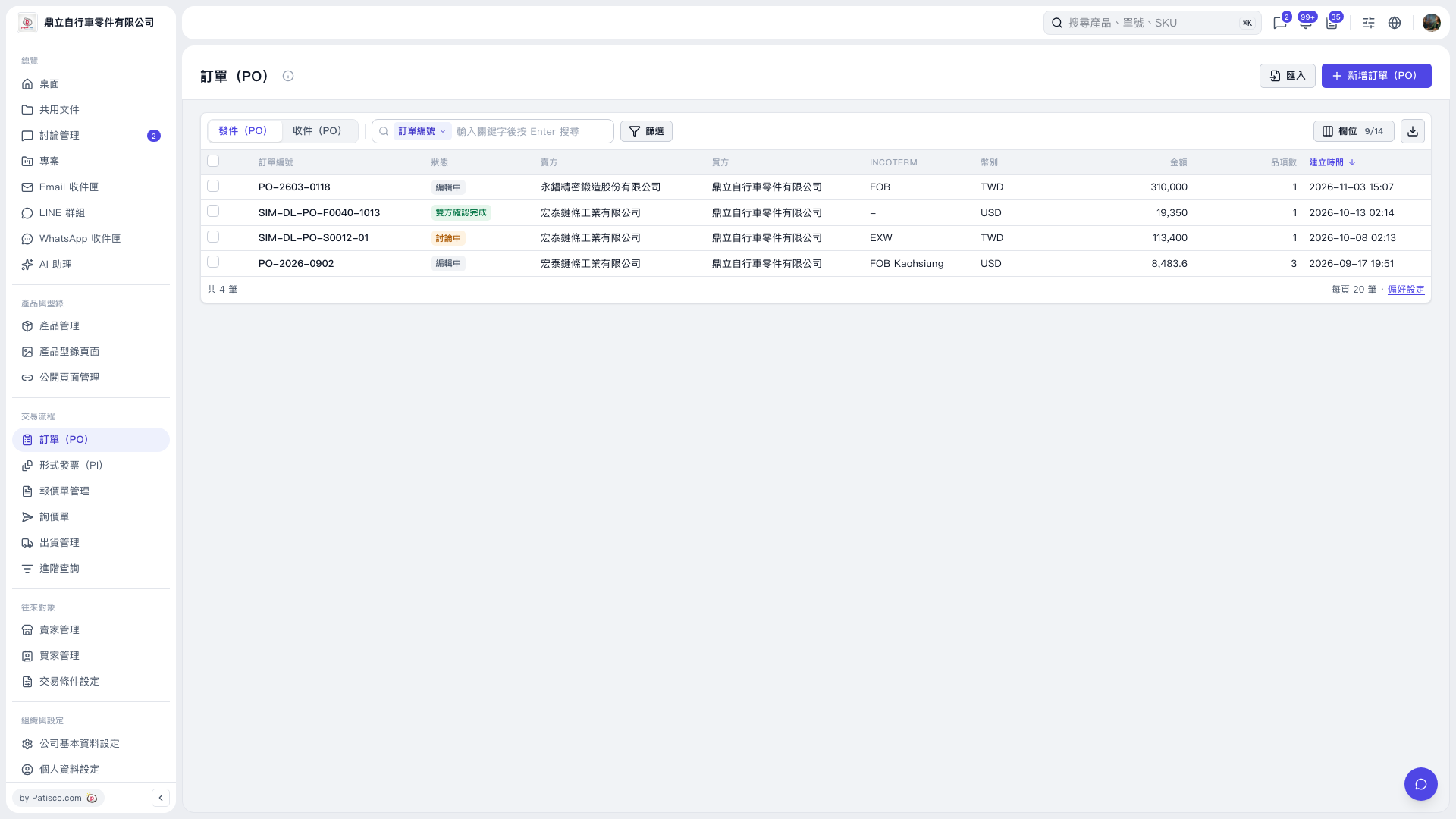
1. Select “PO” under “Trading Process” on the left. 2. Select “Sent (PO)” or “Received (PO)” above the list. 3. Select “PO Number” in the search bar, enter a keyword, and press Enter. You can also click “Filter” to set conditions. 4. Click the PO number link in the list to open the PO and view its contents.
 V5 新桌面版|訂單(PO)