
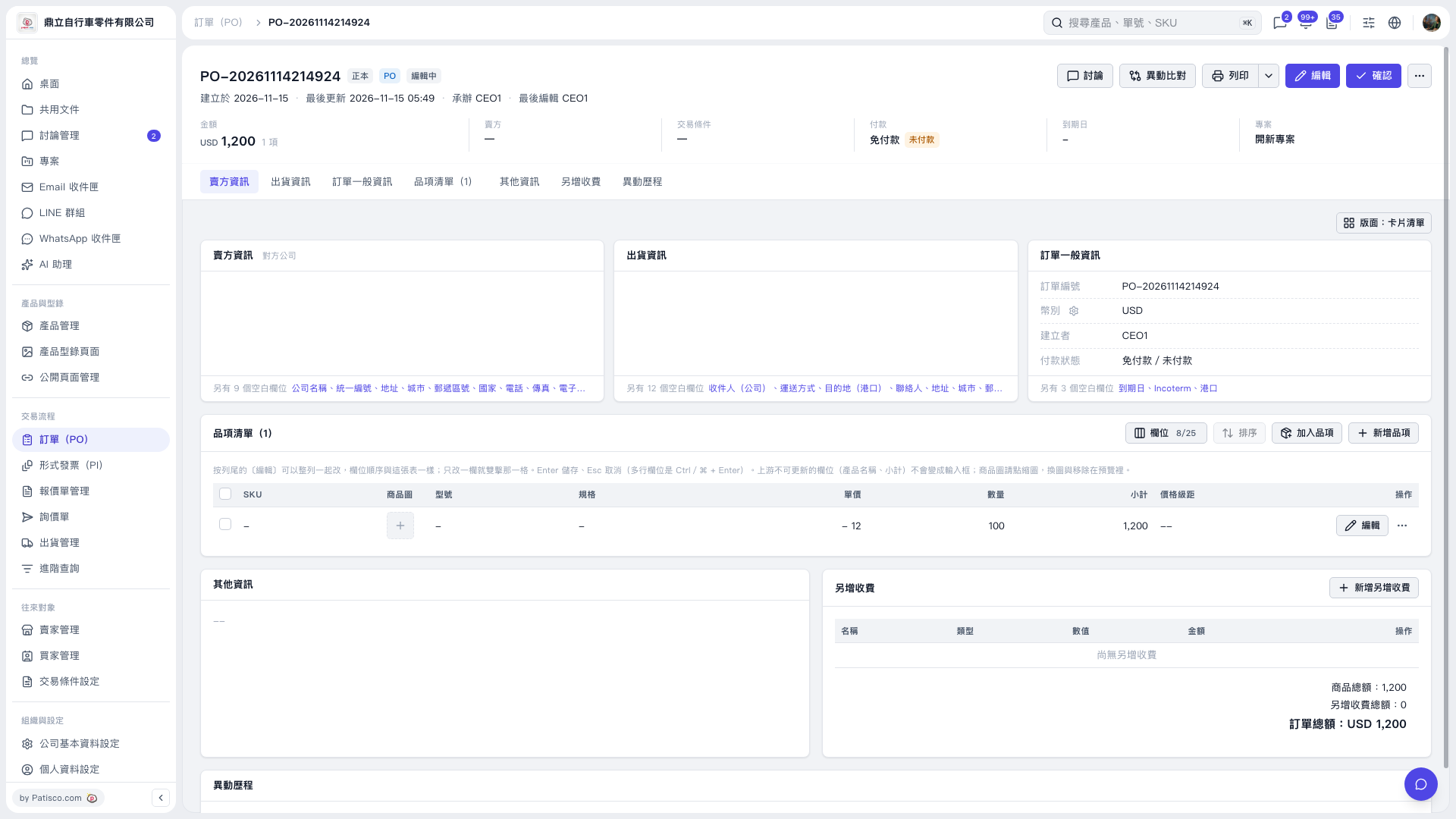
1. Find the item you want to change in the PO's item list, then click "Edit" on the right side of that row. 2. Clear the SKU, model, or specifications you want to remove, then save the changes. 3. If "Saving…" appears, wait until saving is complete before reopening the item to check. This test confirmed that the SKU, model, and specifications remain blank after being cleared and saved. Currency, MOQ, and net weight can also be cleared and will remain blank.
 V5 新桌面版|PO-20261114214924