
1. When adding an item, "Save First" in the "Product Image" section is currently disabled. You need to save the item first. 2. After entering the item details, click "Save" at the far right of the bottom of the panel. 3. After saving, click "Edit" in the item row, then upload the product image.
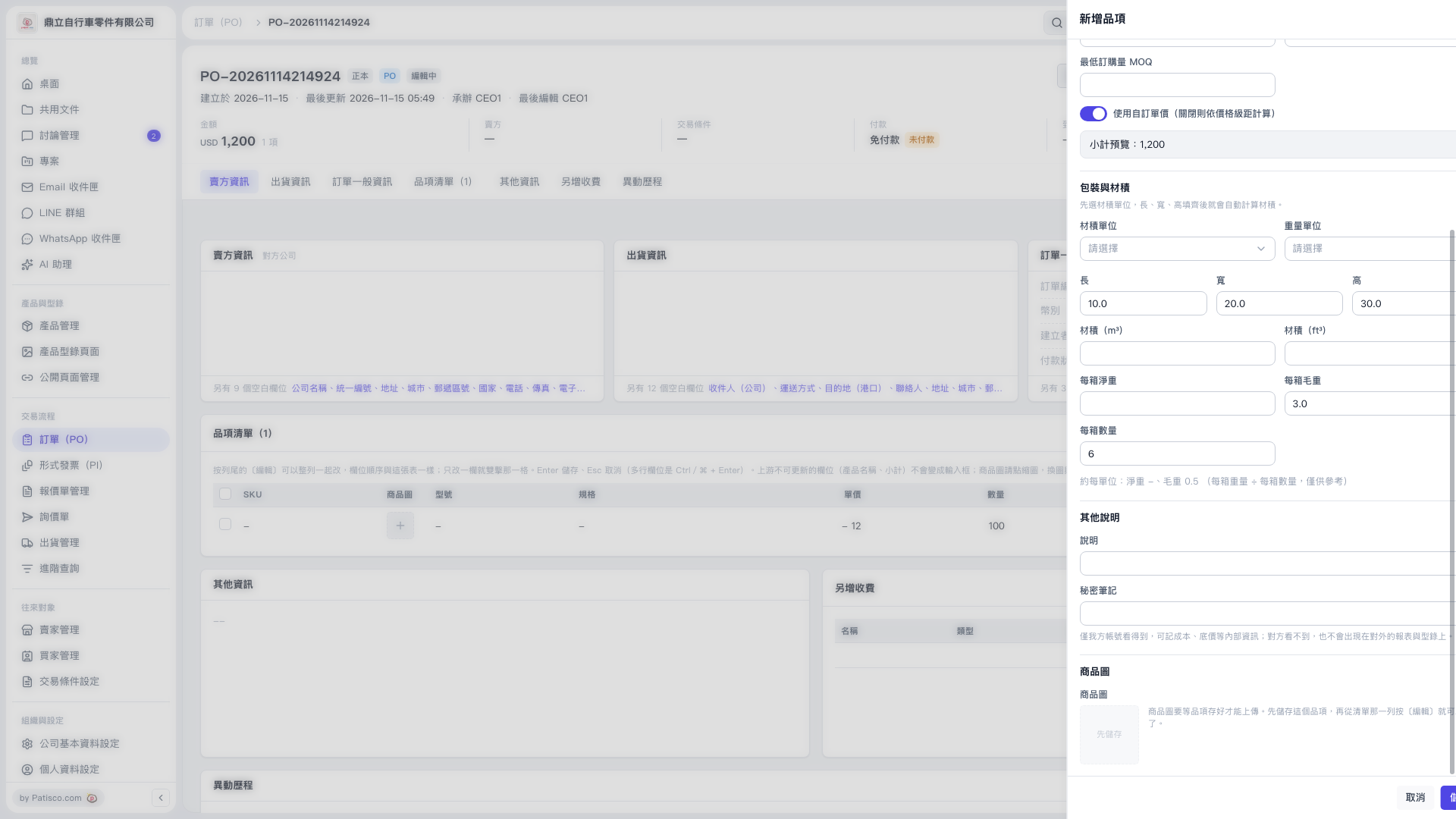 V5 新桌面版|PO-20261114214924(新增品項)