
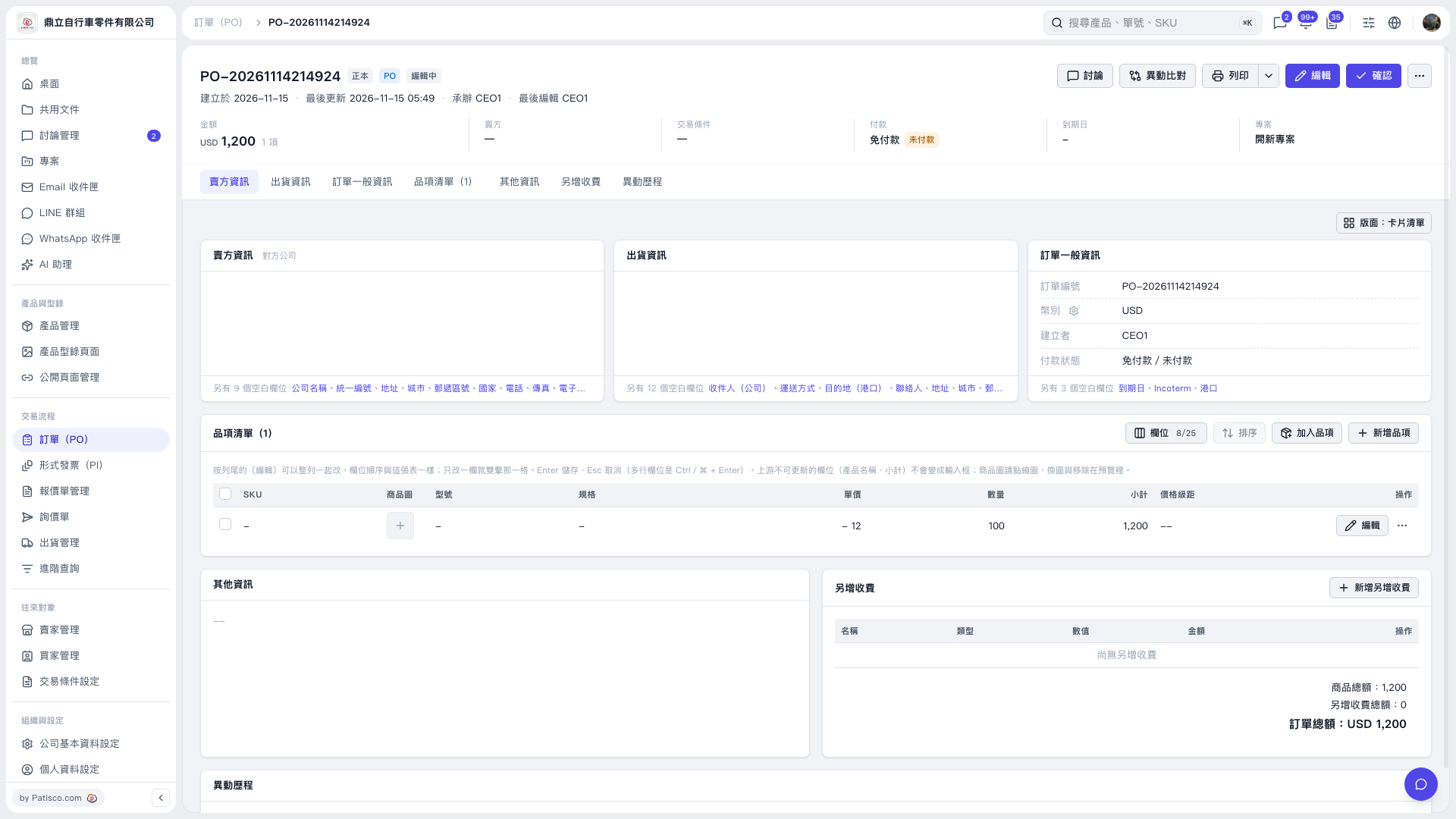
1. Find the item you want to change in the item list, then click "Edit" on the right side of that row. 2. Change fields such as "Unit Price" and "Quantity", then press Enter to save or Esc to cancel. For multiline fields, press Ctrl/⌘ + Enter to save. 3. Check the item's "Subtotal" and the PO's "Amount". Once you have verified them, click "Confirm" in the upper-right corner.
 V5 新桌面版|PO-20261114214924