
1. In the quotation's item list, click "Edit" on the right side of an item to edit the entire row. You can also double-click an individual field to edit it. 2. After entering your changes, press Enter to save or Esc to cancel. For multiline fields, use Ctrl/⌘ + Enter to save. 3. Adding, editing, or deleting items saves the changes immediately.
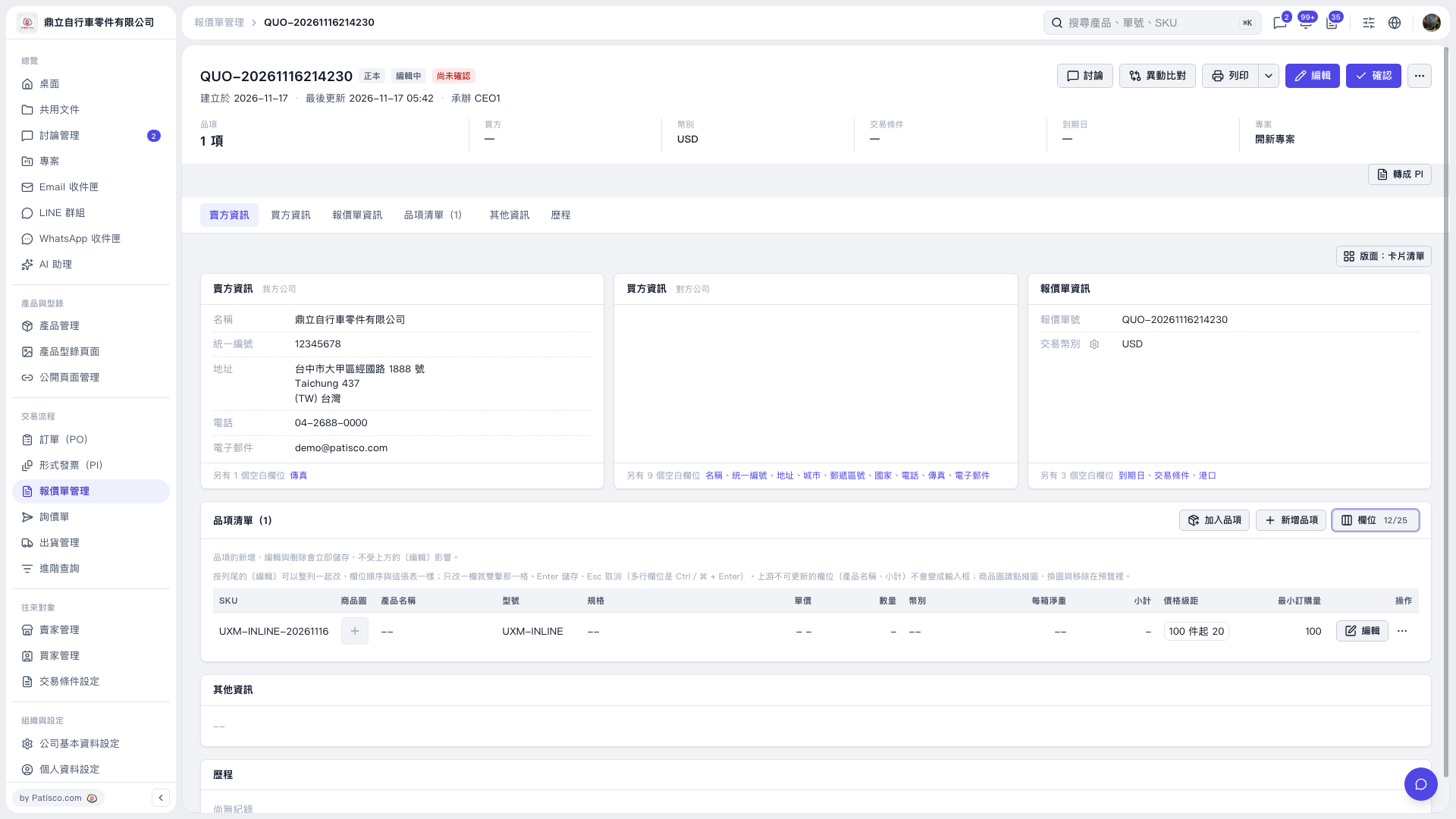 V5 新桌面版|QUO-20261116214230