
1. Click "Columns 12/25" in the upper-right corner of the item list to change which columns are displayed. Currently, 12 of the 25 columns are displayed. 2. After making changes, check the item details you need to view, such as "Unit Price," "Quantity," "Price Breaks," and "Minimum Order Quantity."
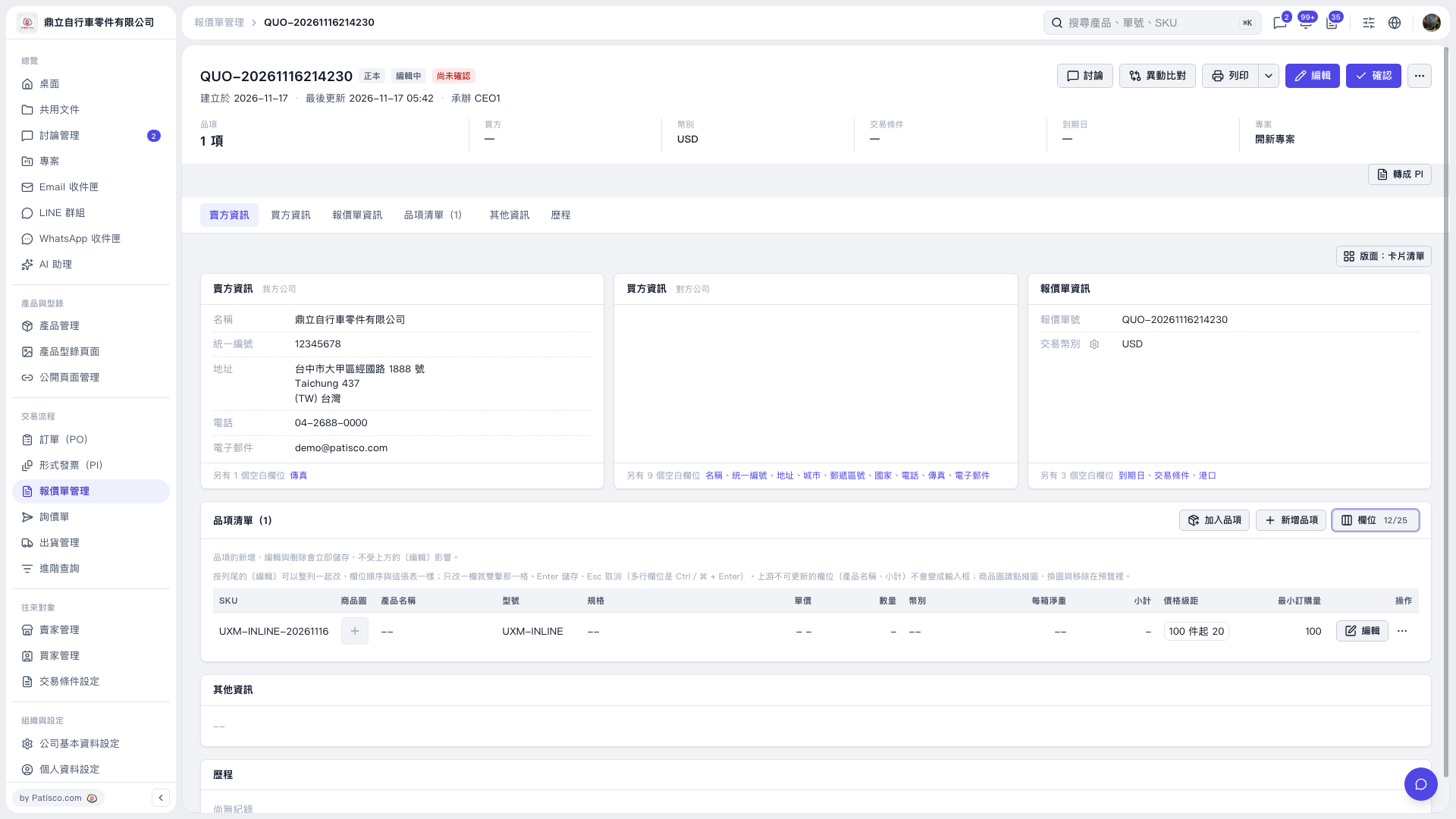 V5 新桌面版|QUO-20261116214230