
1. In the "Correspondence" area in the center of the project page, find the customer email that contains the attachment, or check the "Attachments" summary area on the right. 2. Click the attachment name, such as "uxm-spec-sheet.txt" or "uxm-drawing.pdf", to view or get the file you need.
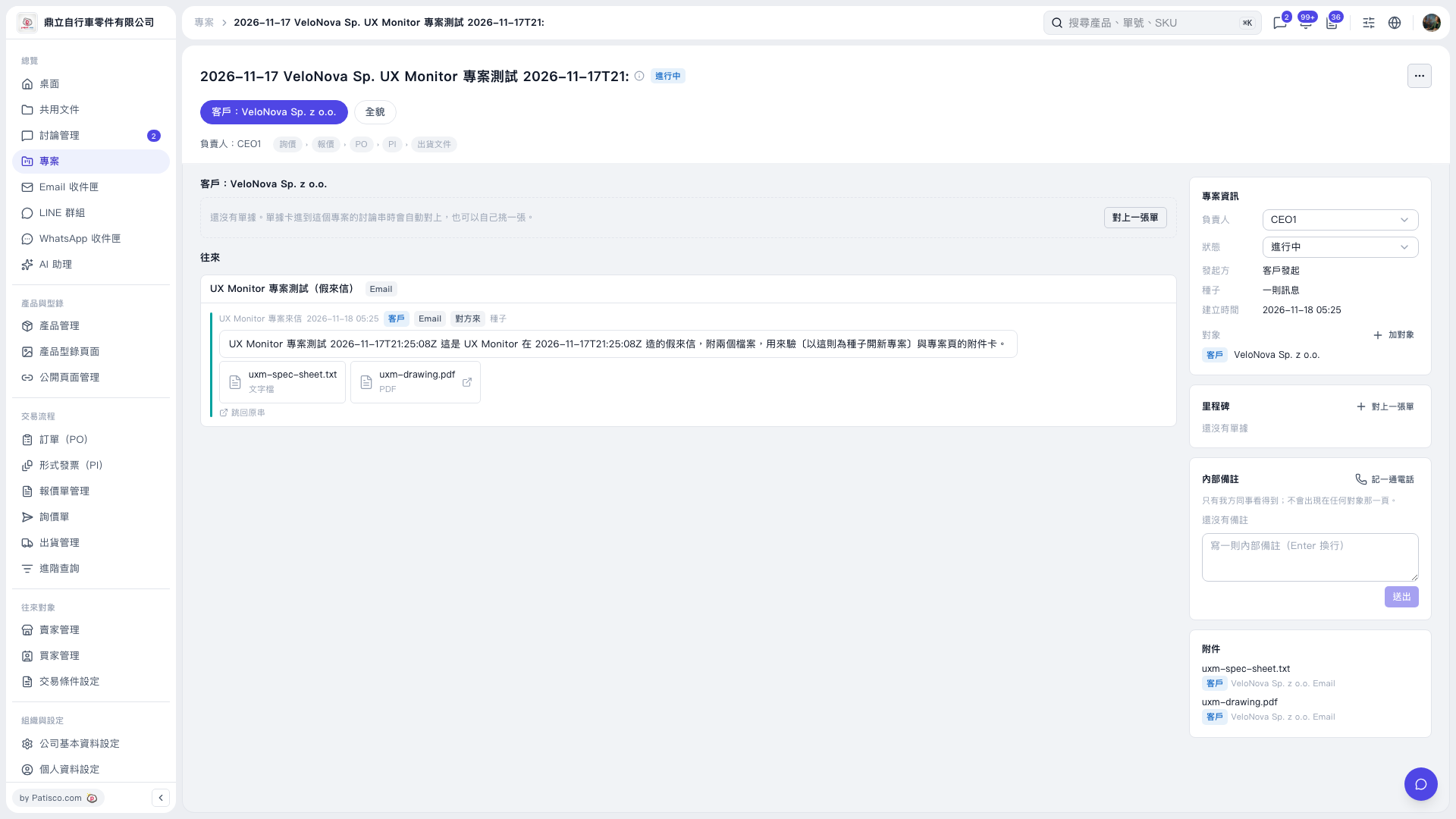 V5 新桌面版|2026-11-17 VeloNova Sp. UX Monitor 專案測試 2026-11-17T21: