
1. On the "Quotation Management" page, switch between "Outgoing/Incoming" to select the quotation list you want to view. 2. At the top of the list, select a search condition, such as "Quotation Number", then enter a keyword in "Search Keywords". You can also click "Filter" to narrow your search results. 3. Click the quotation number link in the list to open and view the detailed content of that quotation.
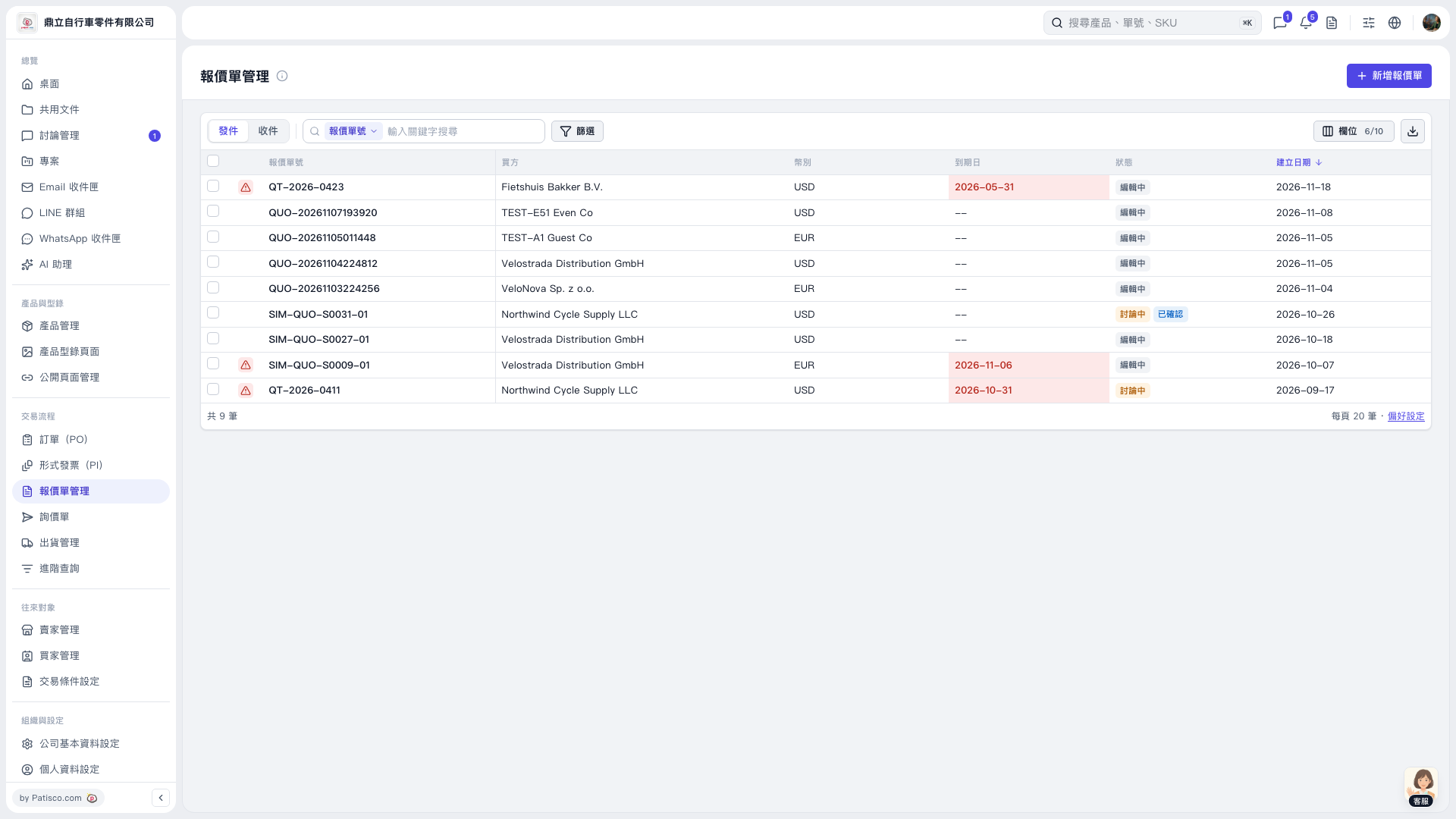 V5 新桌面版|報價單管理