
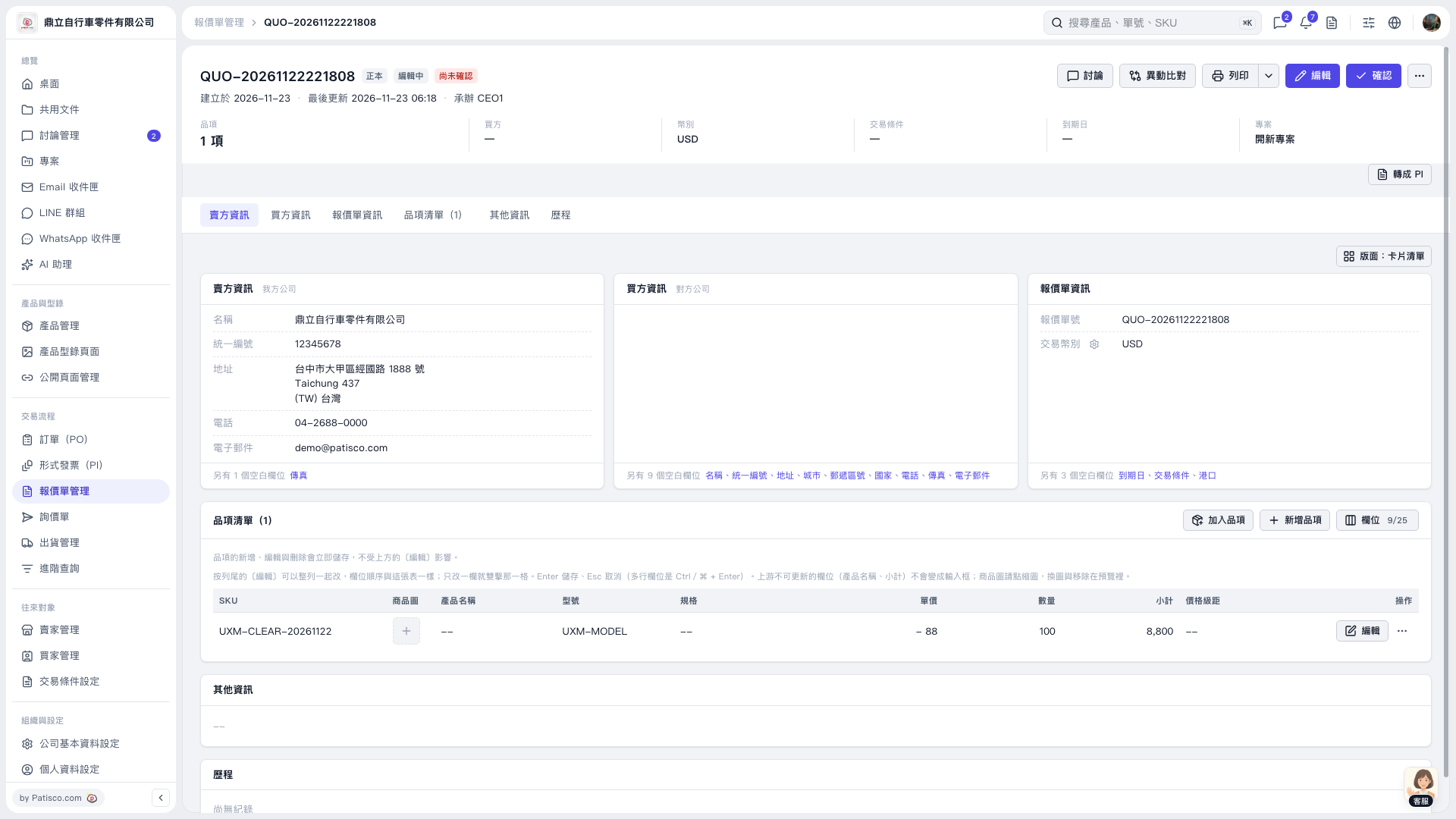
1. Open the quotation and check "Unit Price", "Quantity", "Subtotal", and "Price Breaks" in the item list. If no price breaks are set, "Price Breaks" displays "––". 2. To change item details, click "Edit" on the right side of the item. 3. For table fields that support direct editing, click the field to enter a value, then press Enter to save or Esc to cancel. After making changes, check the item's unit price, quantity, and subtotal again.
 V5 新桌面版|QUO-20261122221808