
1. In the quotation's item list, double-click the "Unit Price" cell, enter the unit price, and press Enter to save. Press Esc to cancel editing. 2. You can leave "Quantity" blank for now. The item will still display its unit price, while "Subtotal" will display "–". 3. To add the quantity later, double-click the "Quantity" cell, enter the quantity, and press Enter to save. You can also click "Edit" at the far right of the row, edit the entire row, and press Ctrl/⌘ + Enter to save.
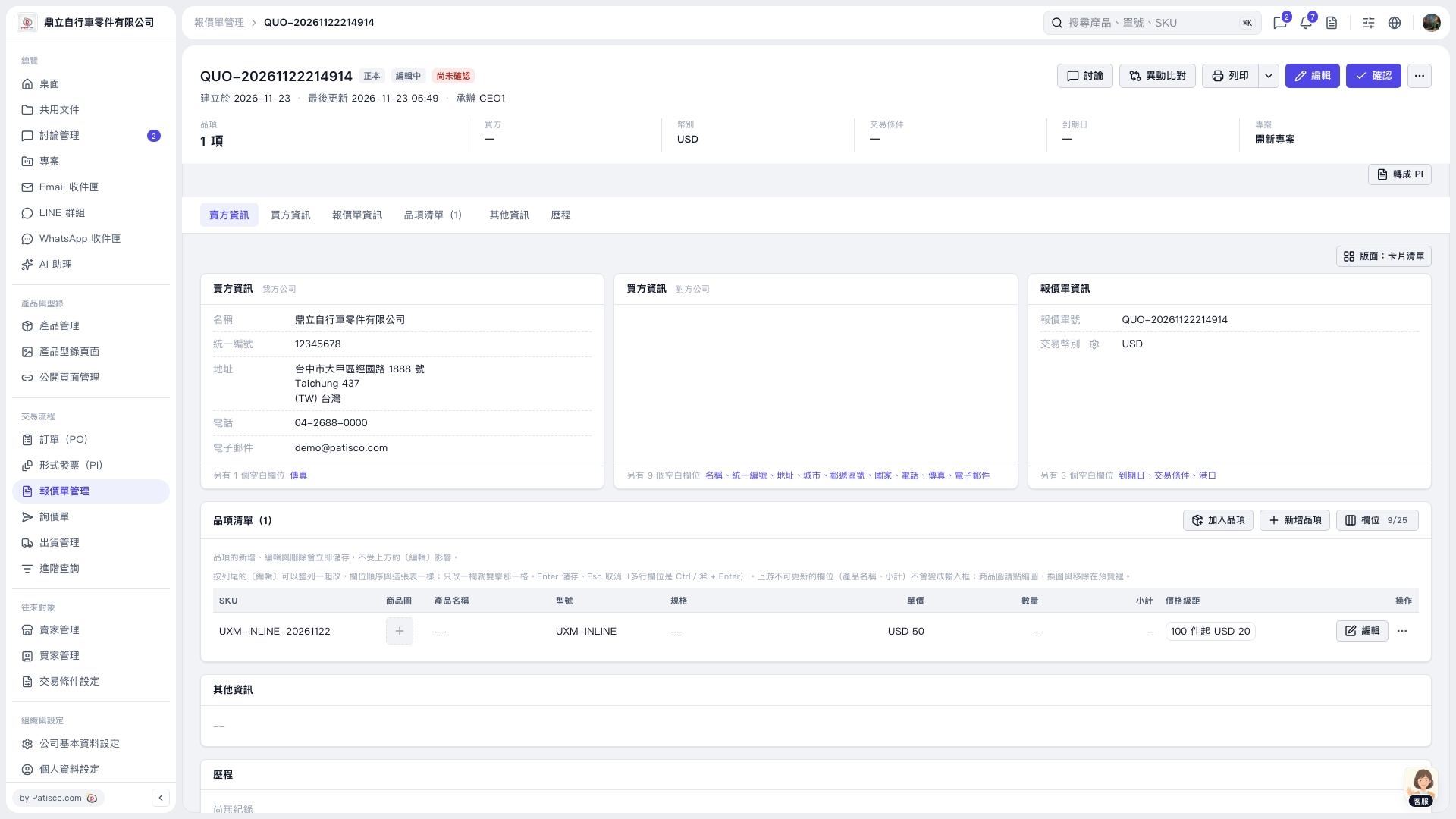 V5 新桌面版|報價單 QUO–20261122214914