
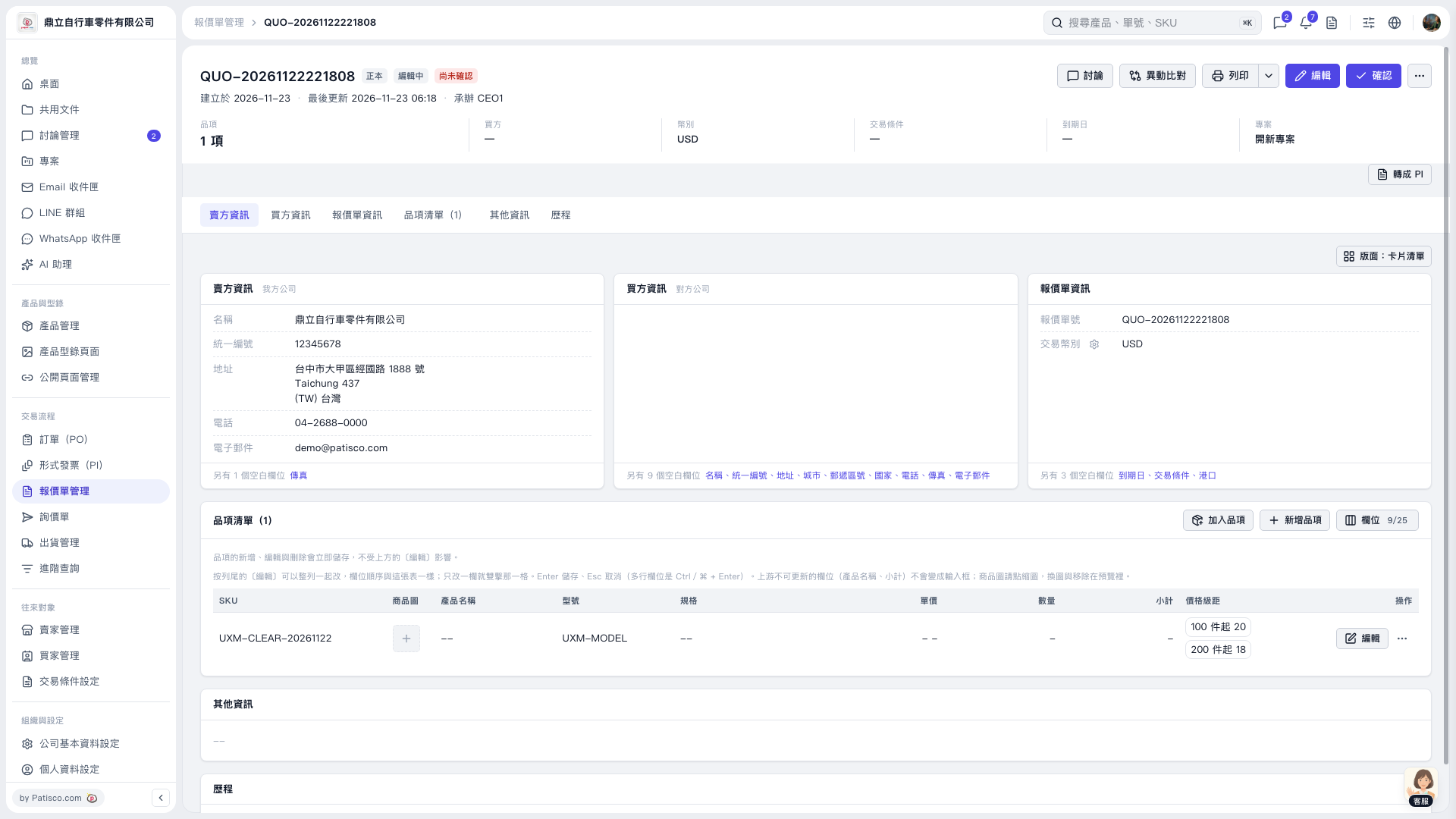
1. Find the item you want to change in the "Item List" and double-click its "Quantity" or "Unit Price" cell. 2. Delete the existing content and press Enter to save, or press Esc to cancel editing. Item changes are saved immediately. 3. Check the "Unit Price", "Quantity", and "Subtotal" in that row to confirm the displayed values after the change. 4. After you clear the quantity or unit price, the existing "Price Breaks" will remain. Check separately whether they need to be adjusted.
 V5 新桌面版|QUO-20261122221808