
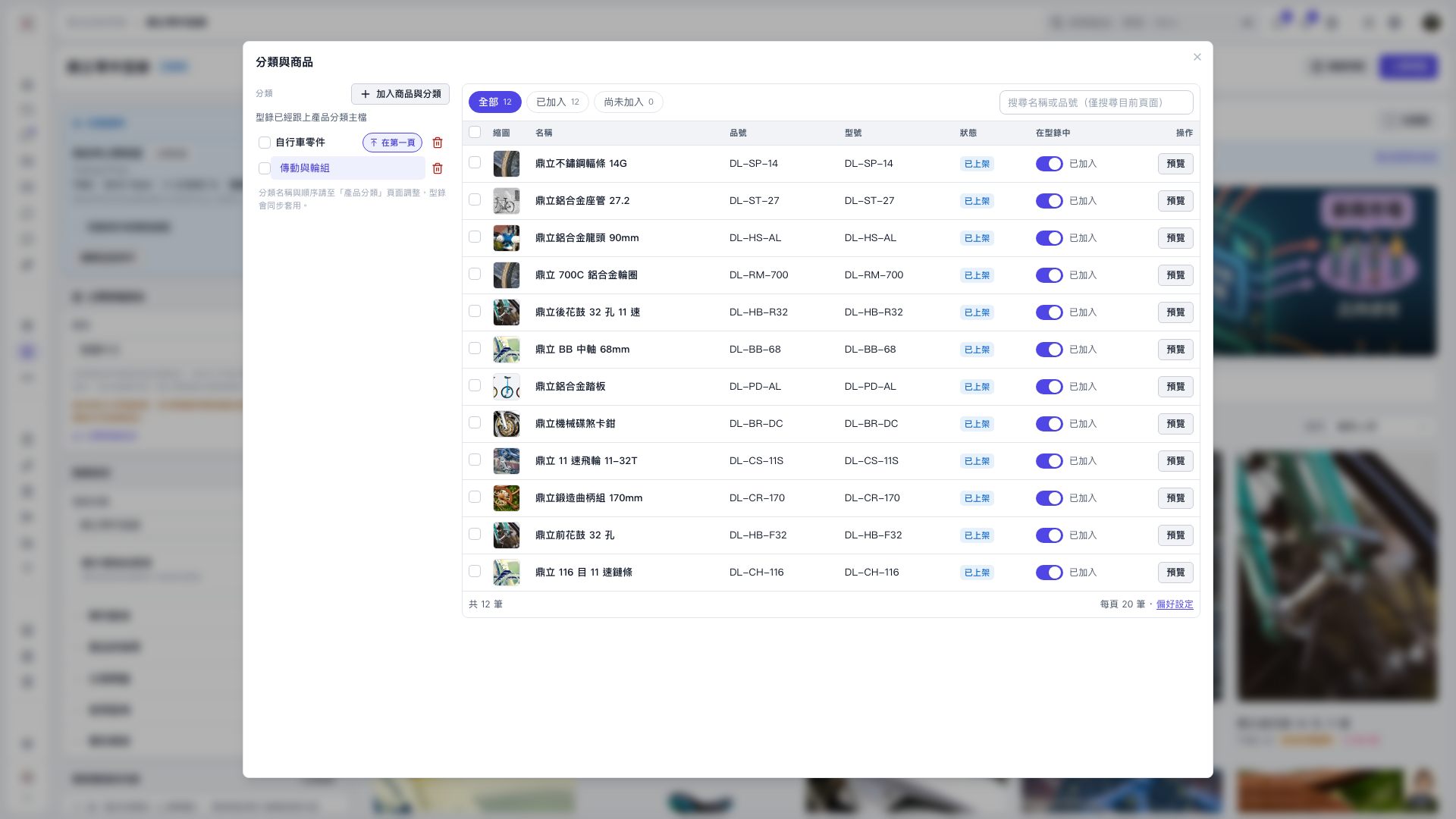
1. On the left side of the "Categories and Products" window, click the category you want to view. 2. Click "All", "Added", or "Not Added" to filter products. You can also enter a name or product number in "Search Name or Product Number (Current Page Only)". 3. Check the "In Catalog" switch in each product row. If it is purple, switched on, and labeled "Added", the product has been added to the catalog. Toggle the switch to change whether the product is included. 4. Click "Preview" in a product row to view the product. When finished, click "×" in the upper-right corner to close the window.
 V5 新桌面版|分類與商品